

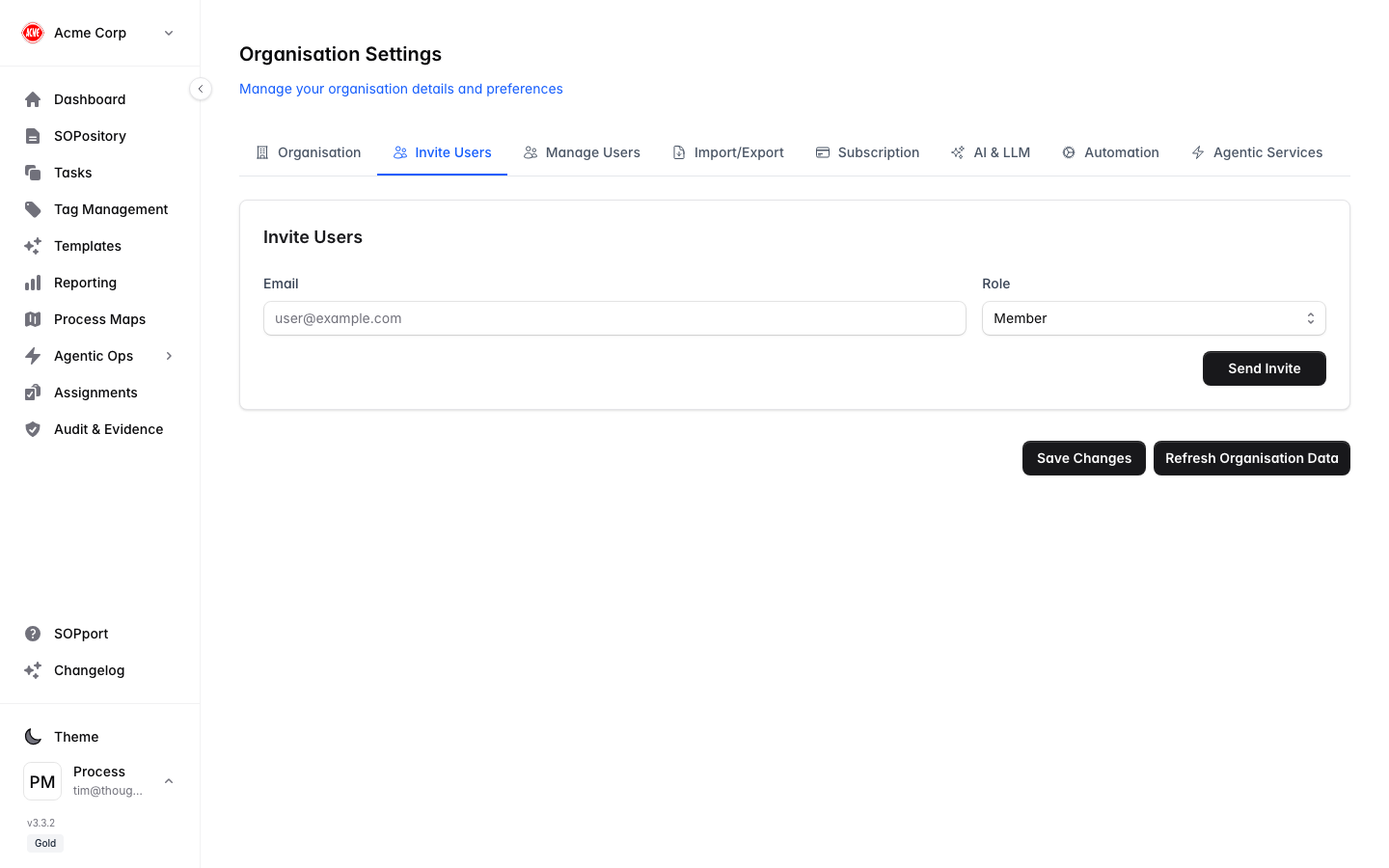
Use the Invite Users tab in Organisation Settings to add people to your organisation.
Invite users

Send an invitation

1

Open Invite Users

In Organisation Settings, select the Invite Users tab.
2

Enter the email

Type the person’s email address.
3

Choose a role

Pick the role that fits — Viewer, Member, Manager or Admin. You can change it later.
4

Send the invite

Select Send Invite. The person receives an email with a link to set their password and join.

What the invited user sees

They’ll open the invitation link, set a password, and land in your organisation. See Signing in for the new-user flow.
Your plan sets how many users your organisation can have. Check your current count against the limit on the Dashboard. To add more, see Subscription & billing.
Grant the least access needed to start. It’s easy to promote someone later under Managing users.