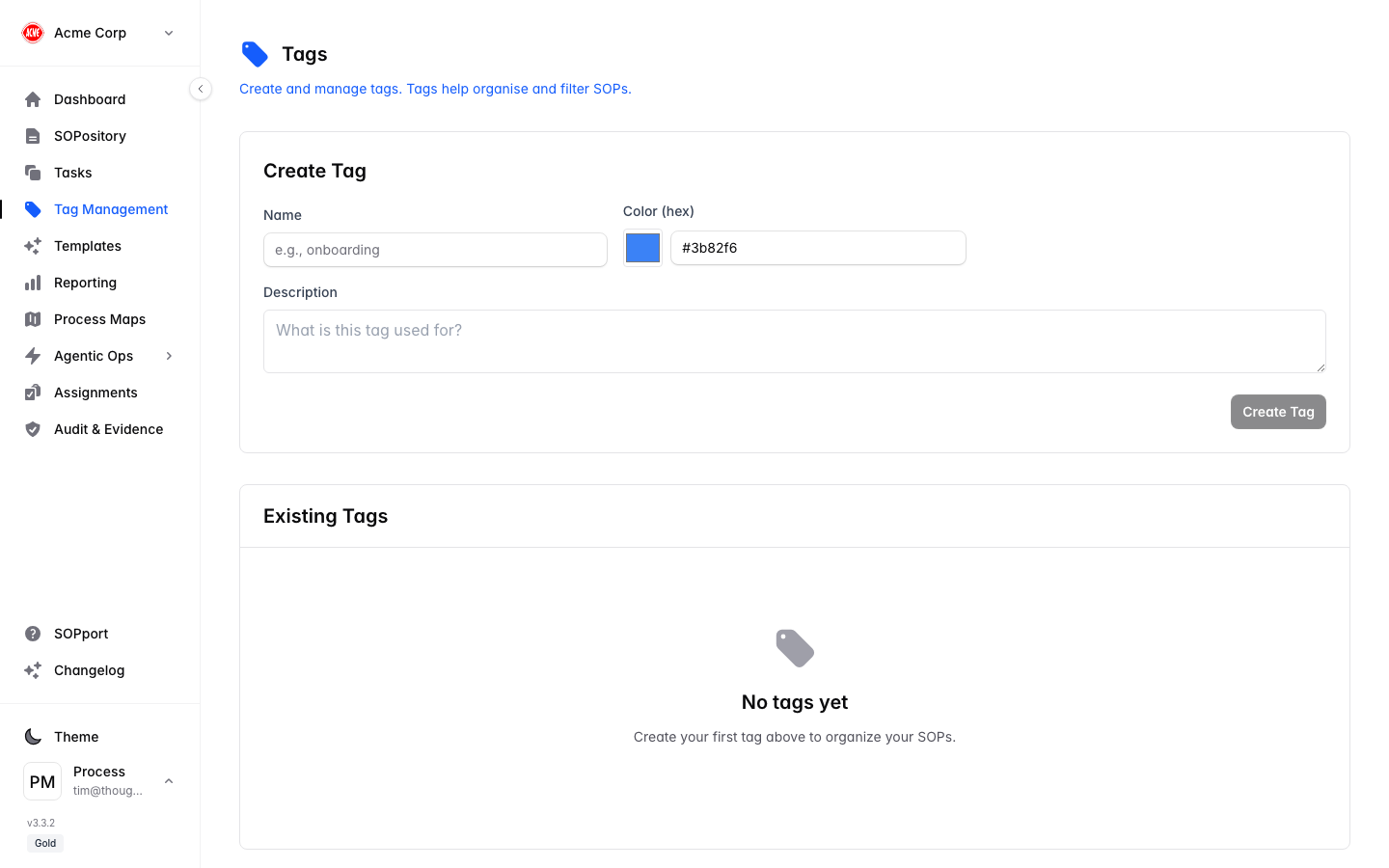
Tags keep your growing SOP library navigable. Use them to group procedures by team, location, process area, standard, or anything else that fits how you work.
Open Tag Management
Select Tag Management in the sidebar.
Create a tag
Add a new tag with a clear, consistent name (for example Onboarding, Food Safety, Finance).
Edit or remove
Rename tags to keep your taxonomy tidy, or remove ones you no longer need.
Agree a small, consistent set of tags across your team before you scale up. A tidy tag list is far more useful than dozens of one-off labels.