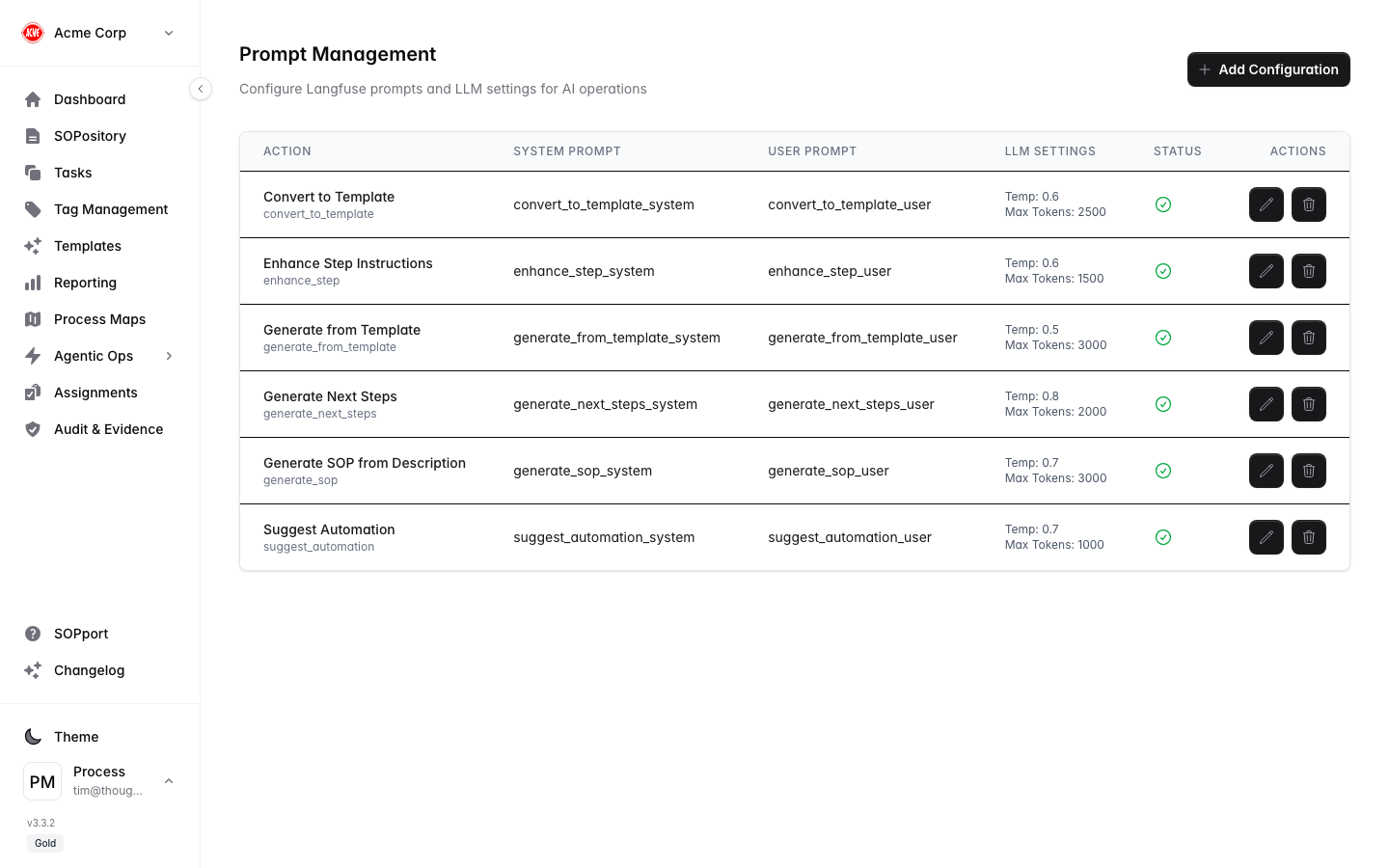
Prompt Management lets administrators review and refine the prompts Process Central uses for its AI-assisted features, so AI output matches your organisation’s expectations.
Manage prompts
Open Prompt Management
Go to Settings → Prompts (/settings/prompts).
Review the prompts
See the prompts used across AI-assisted features.
Adjust and save
Refine a prompt’s wording to better fit your terminology and standards, then save.
Small, deliberate wording changes usually beat large rewrites. Adjust one prompt, observe the results, then iterate.