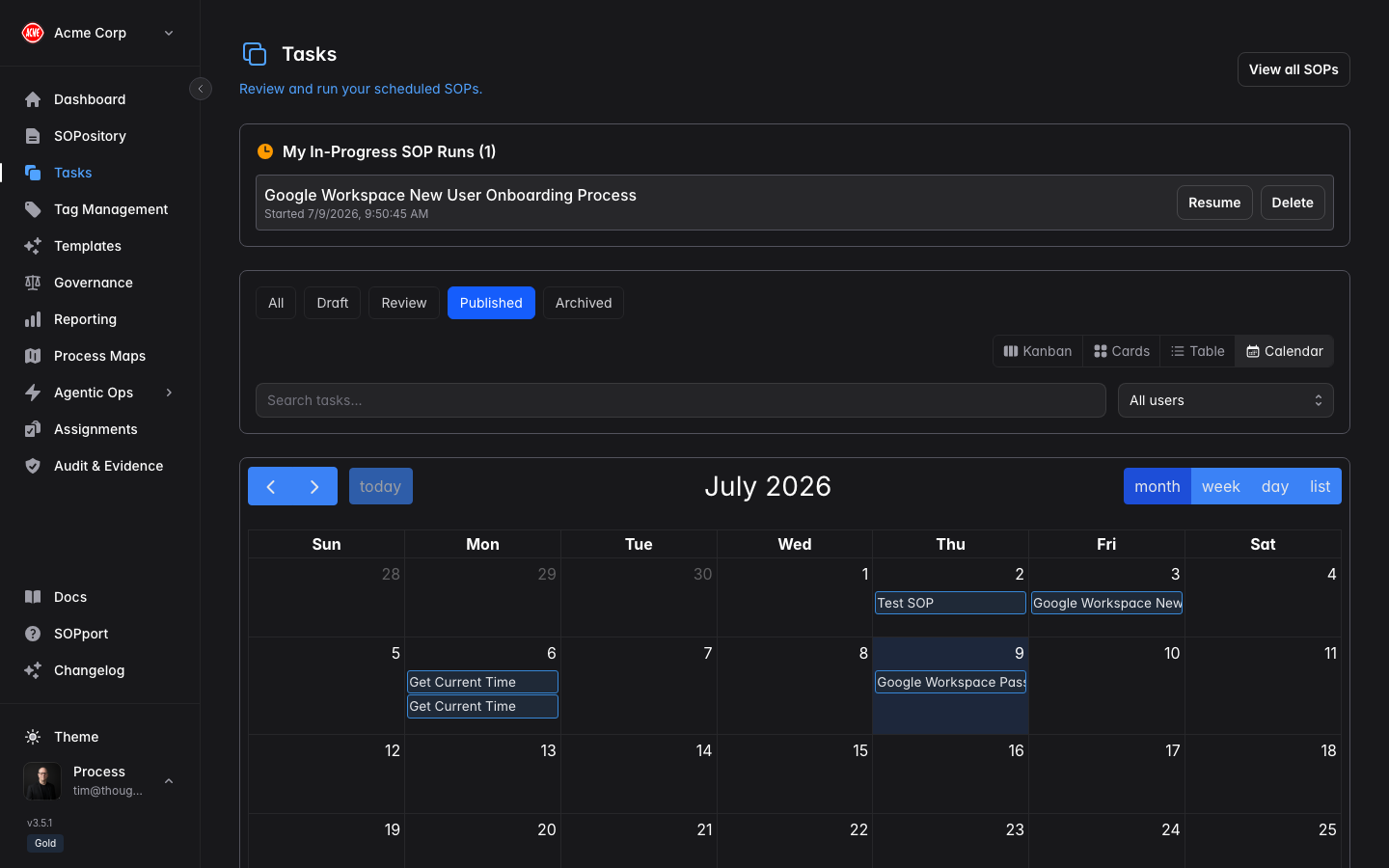
Tasks are the day-to-day work items in Process Central — from running a recurring routine to a one-off action linked to a procedure.
Choose your view
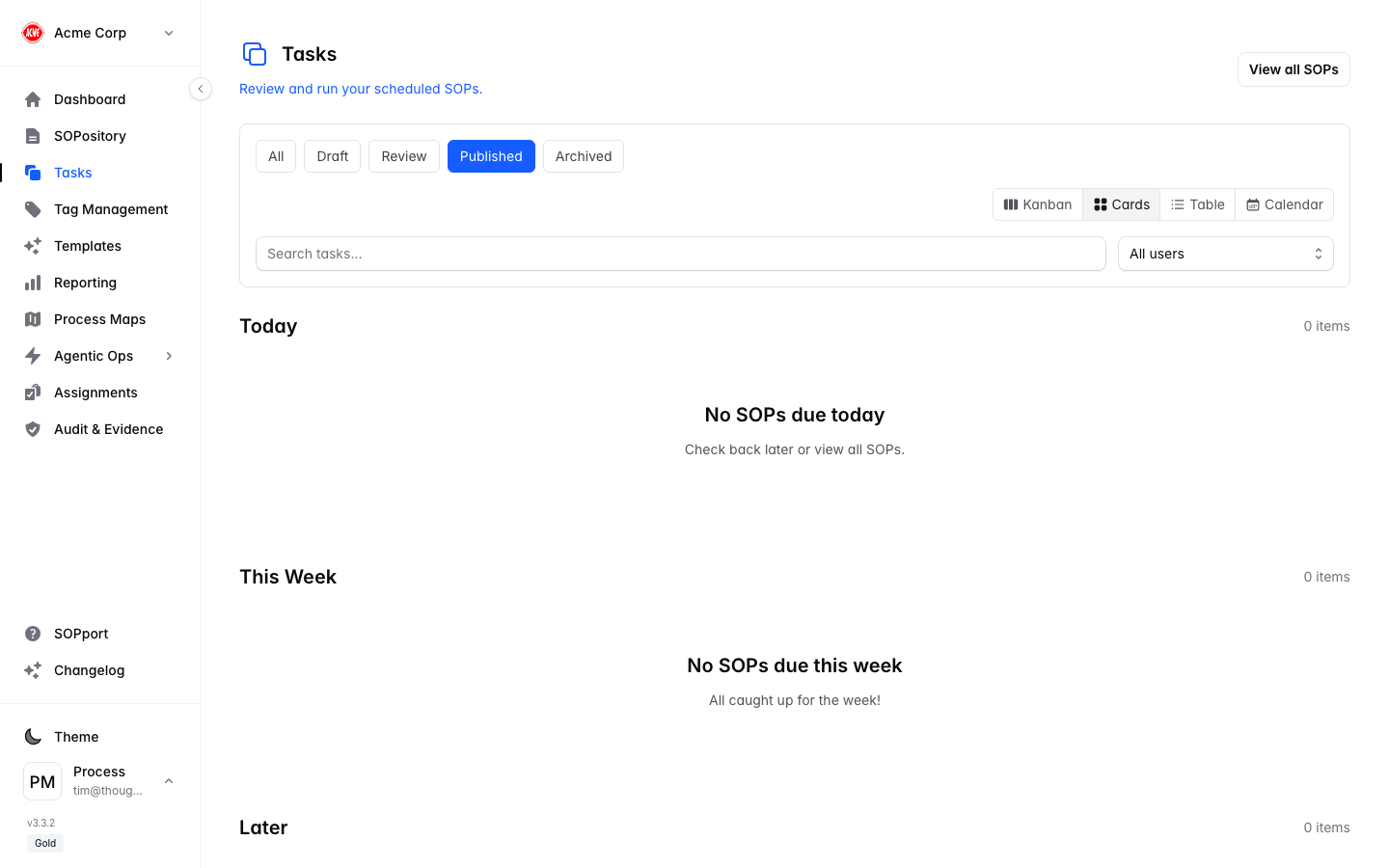
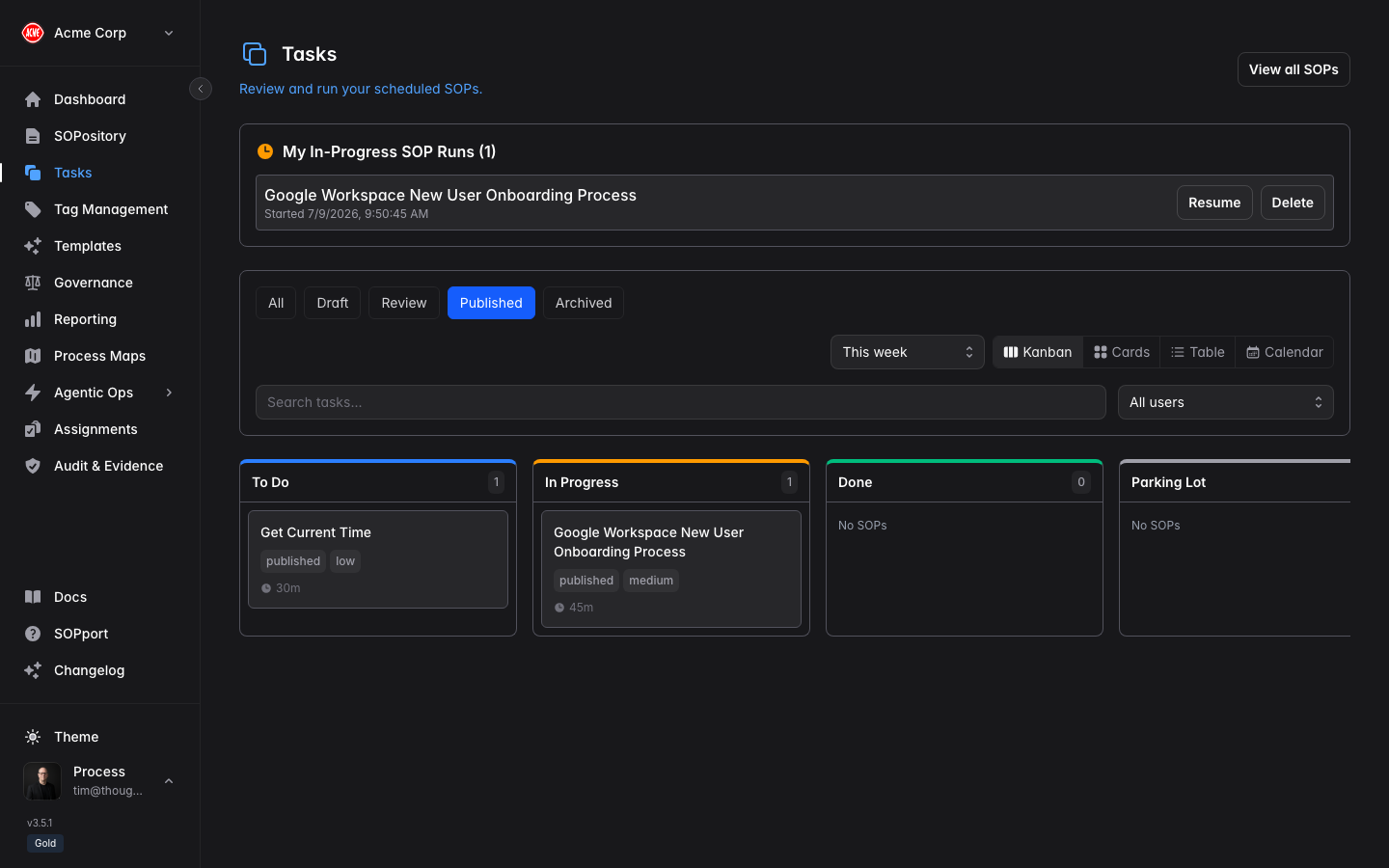
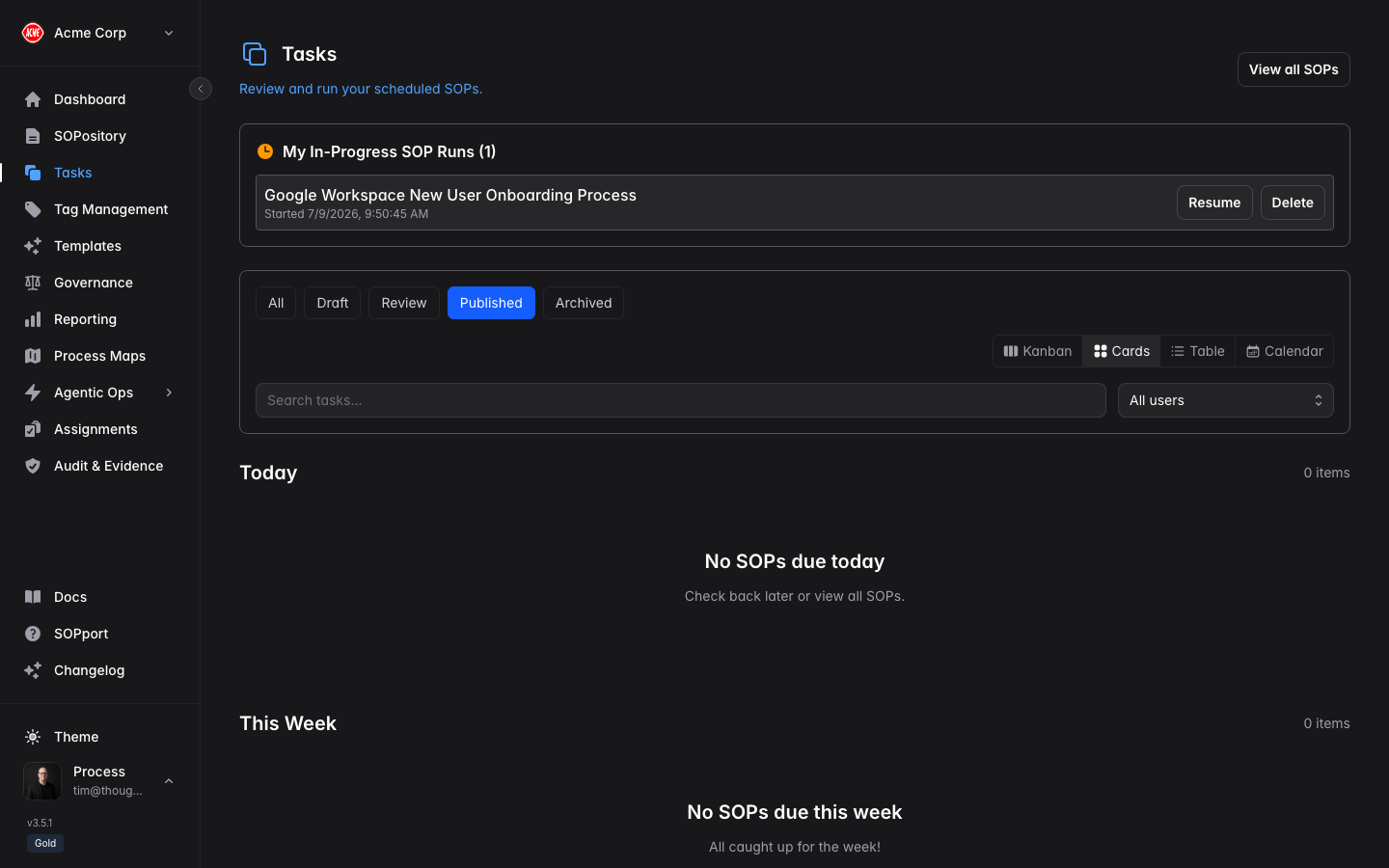
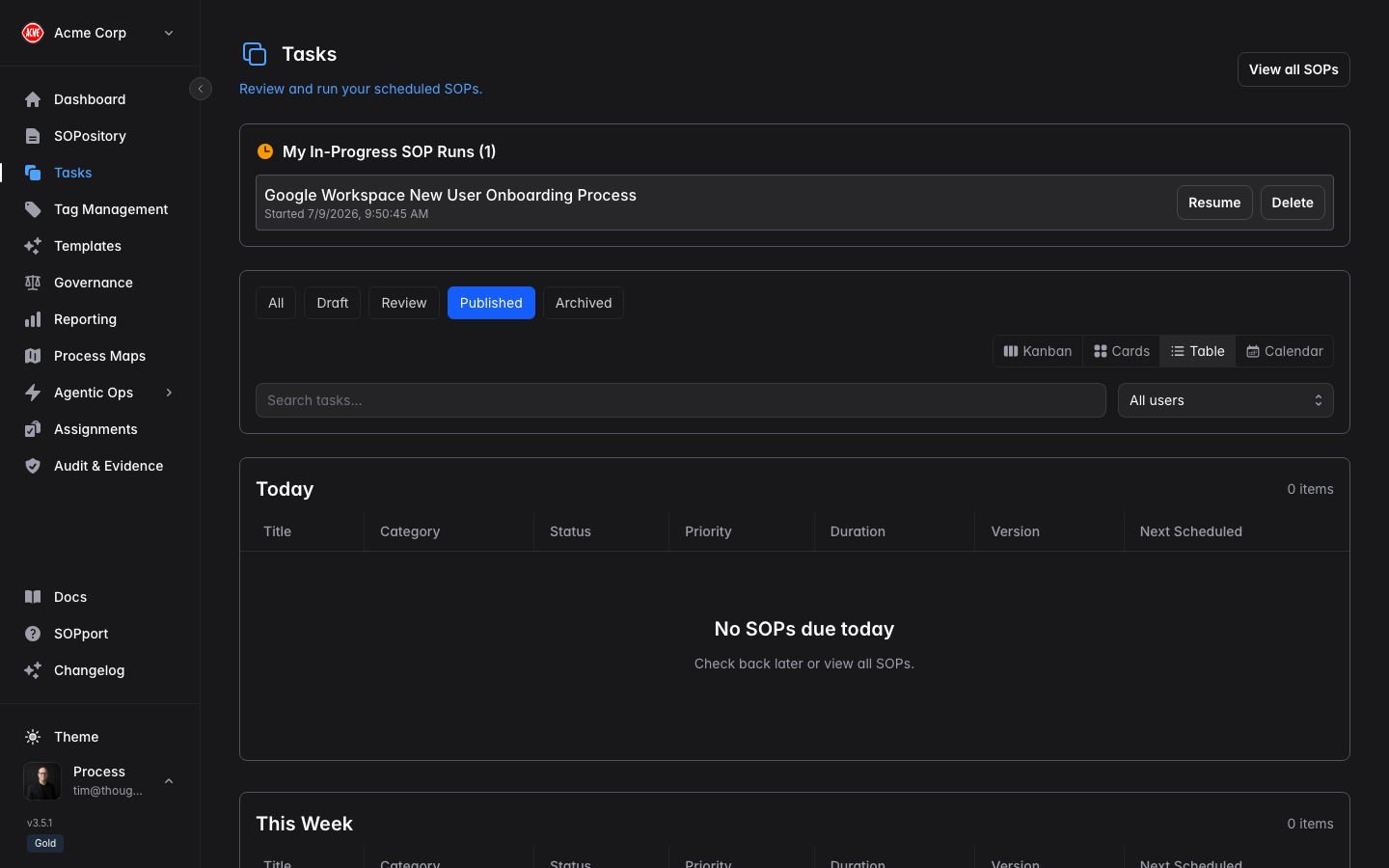
Switch between four views using the toggle at the top of the page — pick whichever suits how you work.
Kanban
Cards
Table
Calendar
Work your tasks
Open Tasks
Select Tasks in the sidebar to see what’s assigned.
Review the details
Open a task to see its description, due date, and any linked SOP.
Do the work
Follow any linked procedure and complete the task.
Mark it complete
Update the status so your team has an accurate picture of progress.
Stay on schedule
- Tasks can carry due dates so nothing slips.
- Reminders and alerts help you and your team keep to schedule.
- Progress is visible to managers through Reporting.
Link a task to an SOP so whoever picks it up has the exact procedure to follow — and their completion becomes part of the execution record.