

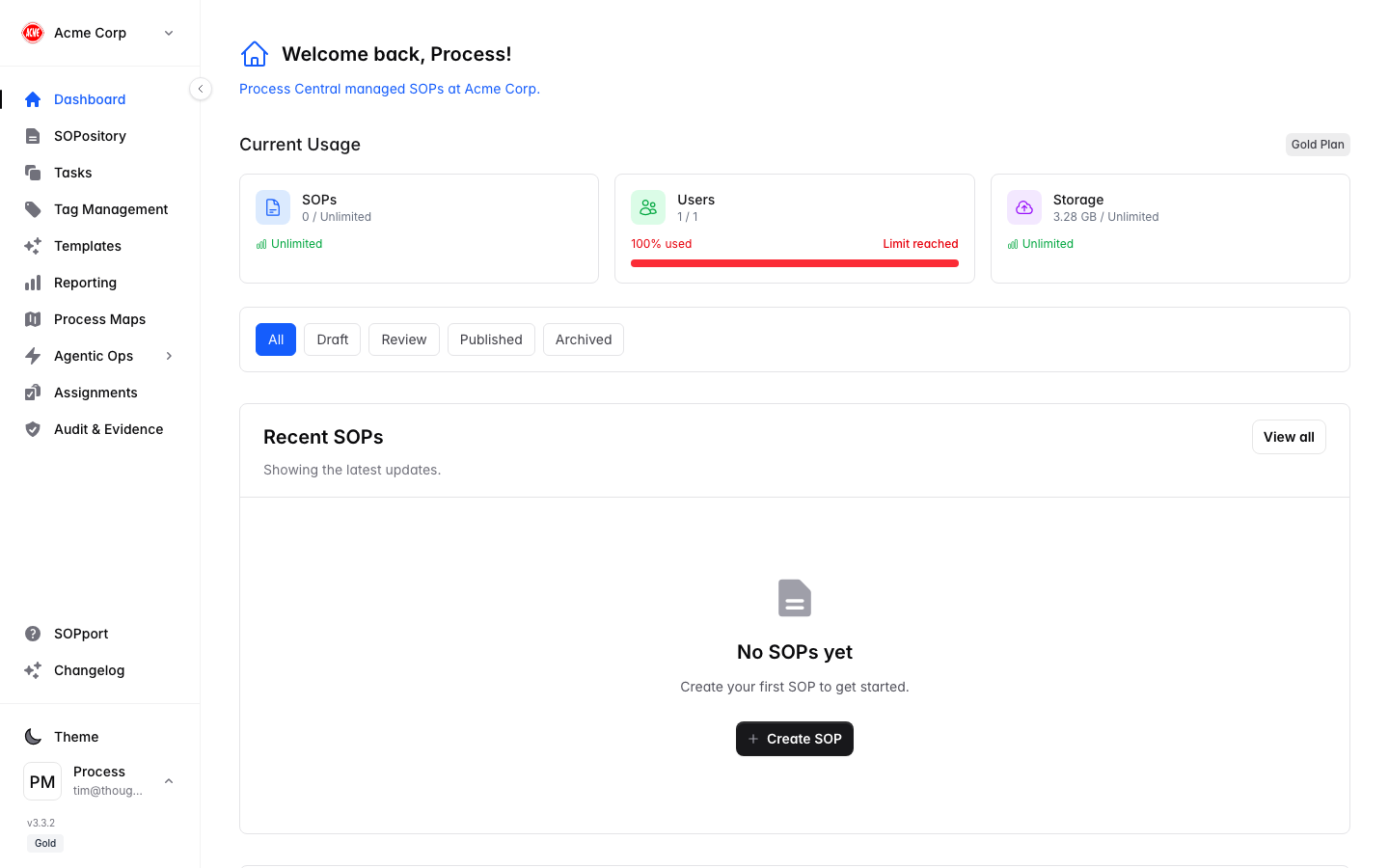
The sidebar
At the top of the sidebar is your organisation switcher. Below it are the main areas:| Item | What it’s for |
|---|---|
| Dashboard | Your overview of usage, recent SOPs and quick actions. |
| SOPository | The library of all your Standard Operating Procedures. |
| Tasks | Operational tasks assigned to you and your team. |
| Tag Management | Organise and categorise SOPs with tags. |
| Templates | Pre-built SOP templates (plan dependent). |
| Governance | The policies, standards, objectives and risks your SOPs deliver against (plan dependent). |
| Reporting | Performance, patterns and completion reporting. |
| Process Maps | Visual maps linking processes and automation (plan dependent). |
| Agentic Ops | Manage AI Skills and Agent Tasks (plan dependent). |
| Assignments | Allocate SOPs to people and teams (admin/owner). |
| Audit & Evidence | Proof that SOPs were used and the outcomes (admin/owner). |
Items marked plan dependent appear based on your subscription tier. Assignments and Audit & Evidence are only shown to administrators and owners.
Top bar quick actions
- + New SOP — start a new procedure from anywhere.
- Theme toggle — switch between light and dark mode.
- Your avatar — open Settings, privacy, feedback, or Sign out.
Getting help
- SOPport in the sidebar opens support options.
- Changelog shows what’s new in each release.
- Reach the team any time at support@processcentral.co.nz.