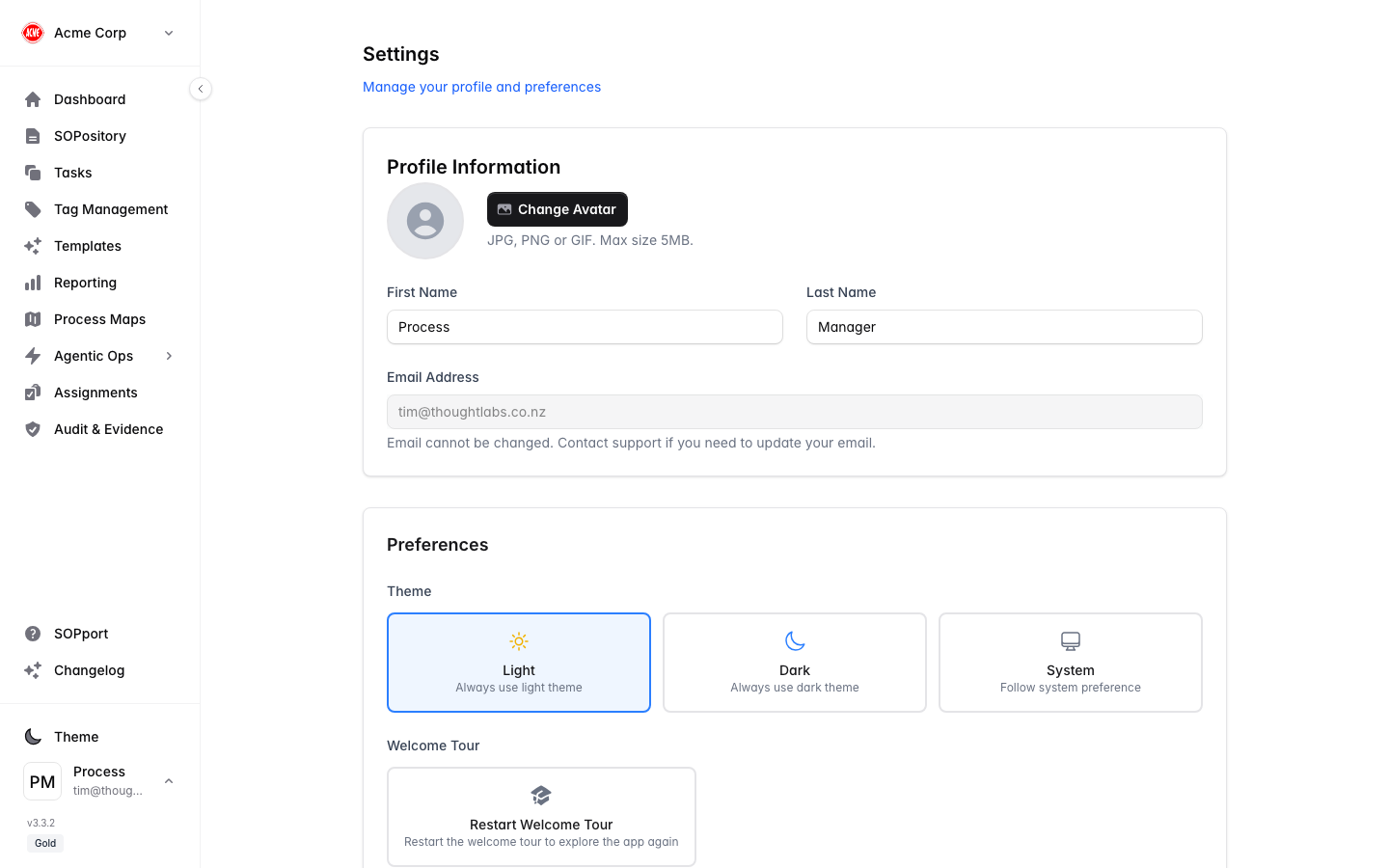
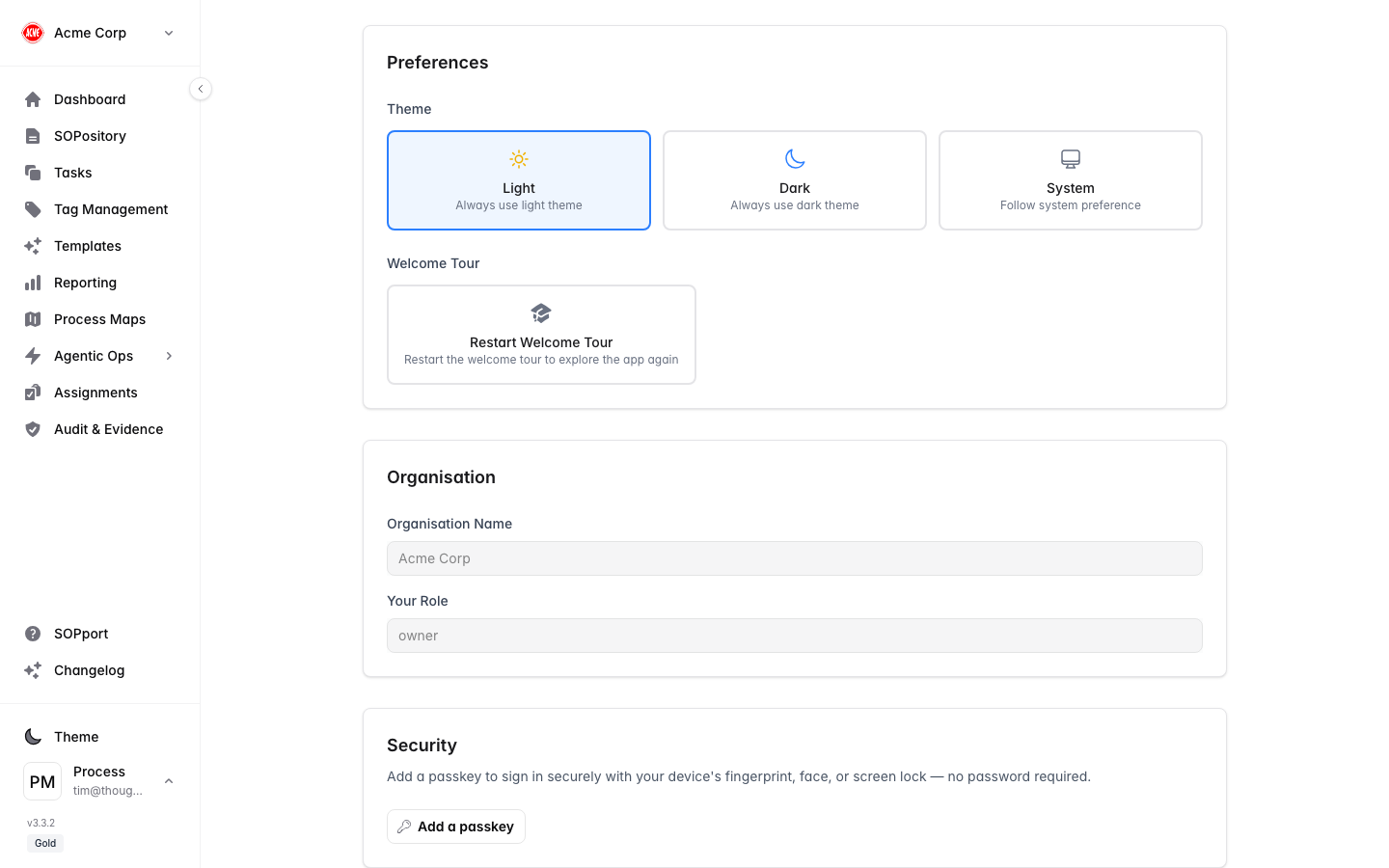
Your personal Settings control your profile, how the app looks and behaves for you, and your account security. Open them from your avatar in the top bar or footer, then Settings.
Open Settings
Select your avatar, then Settings.
Update your details
Edit your name, contact details and avatar.
Save
Your changes apply across the app immediately.
Preferences
- Theme — choose light or dark mode (also available from the sidebar footer).
- Restart Welcome Tour — replay the guided introduction to the app.
- Organisation-related preferences that apply to you.
Security
Manage your password and account security from the Security section of Settings.
Use a strong, unique password. If your organisation offers it, keep Remember me only for devices you personally control.