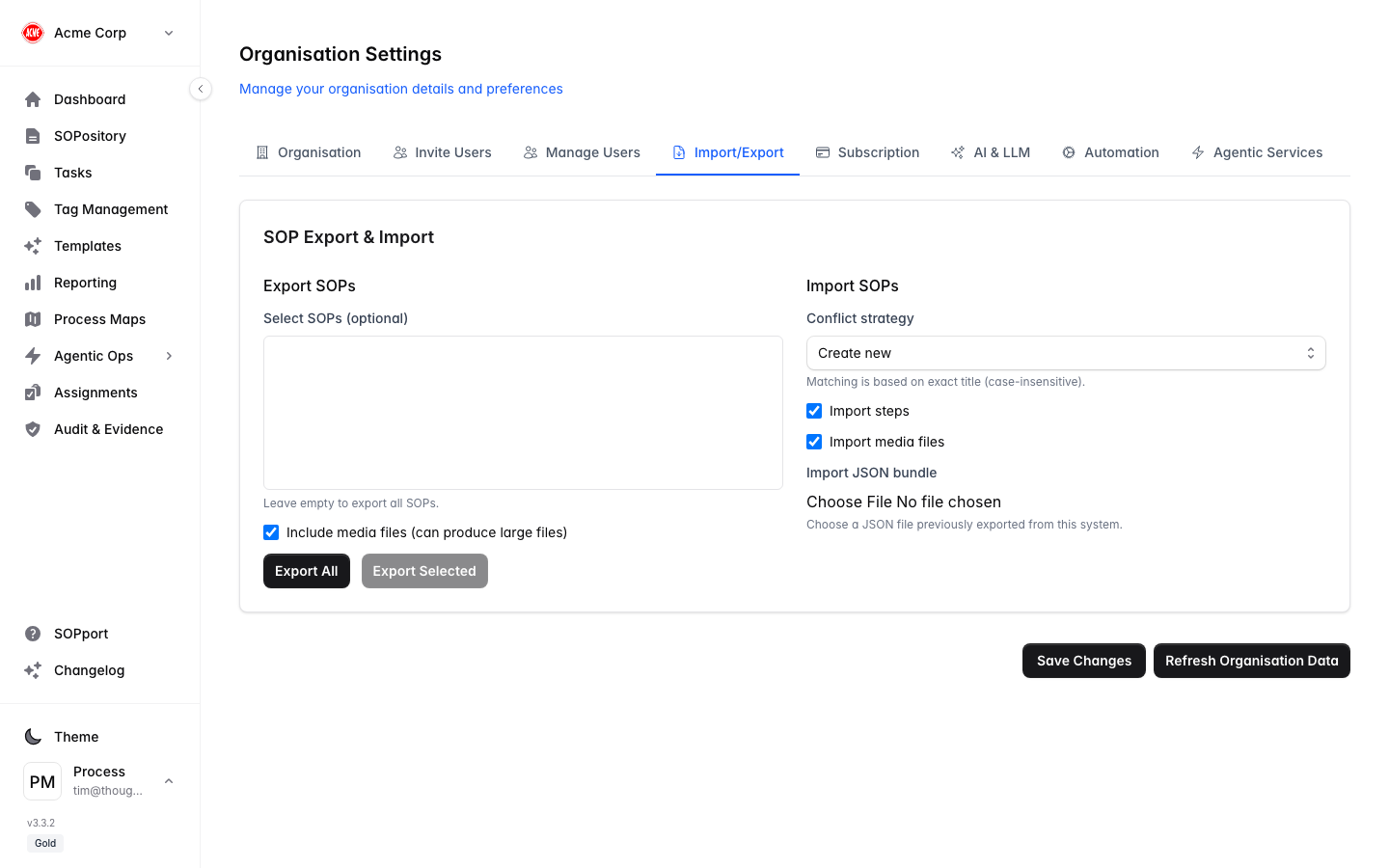
The Import/Export tab in Organisation Settings lets you move SOPs as portable JSON bundles — useful for backups, migrations, or sharing procedures between organisations.
Export SOPs
Open Import/Export
In Organisation Settings, select the Import/Export tab.
Choose what to export
Export all SOPs, or select specific ones.
Download the bundle
A JSON file downloads to your device (named for your organisation).
Import SOPs
Select your file
Choose a previously exported JSON bundle.
Pick a conflict strategy
Decide what happens when a title already exists:
- Create new — always add as a new SOP.
- Skip if title exists — leave existing ones untouched.
- Update if title exists — update fields and tags on a match.
Choose whether to include steps
Include the full step content, or import titles/metadata only.
Run the import
Process Central imports the SOPs according to your choices.
Choose your conflict strategy carefully — Update if title exists overwrites fields and tags on matching SOPs. Export a backup first if you’re unsure.