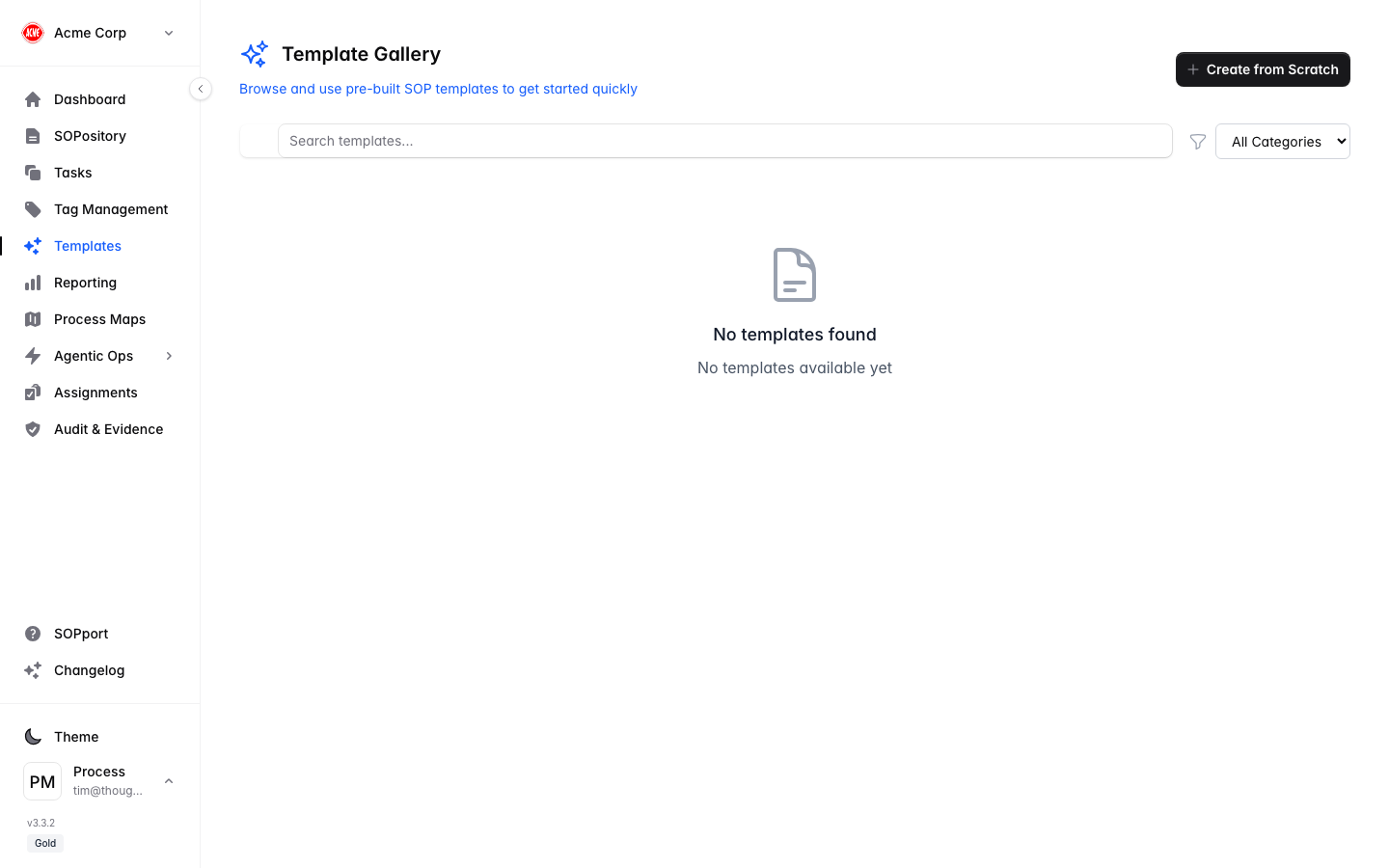
Templates are available on selected plans. If you don’t see Templates in the sidebar, check your subscription tier with your administrator.
Use a template
Open Templates
Select Templates in the sidebar.
Browse the gallery
Review the available templates and pick one that fits the procedure you need.
Create from template
Start a new SOP pre-filled with the template’s structure and steps.
Customise
Edit the steps, instructions and tags to match how your organisation actually works, then save and publish.
Templates are a starting point, not a finish line — always tailor the steps and expected results to your own environment before publishing.