

What you’ll see
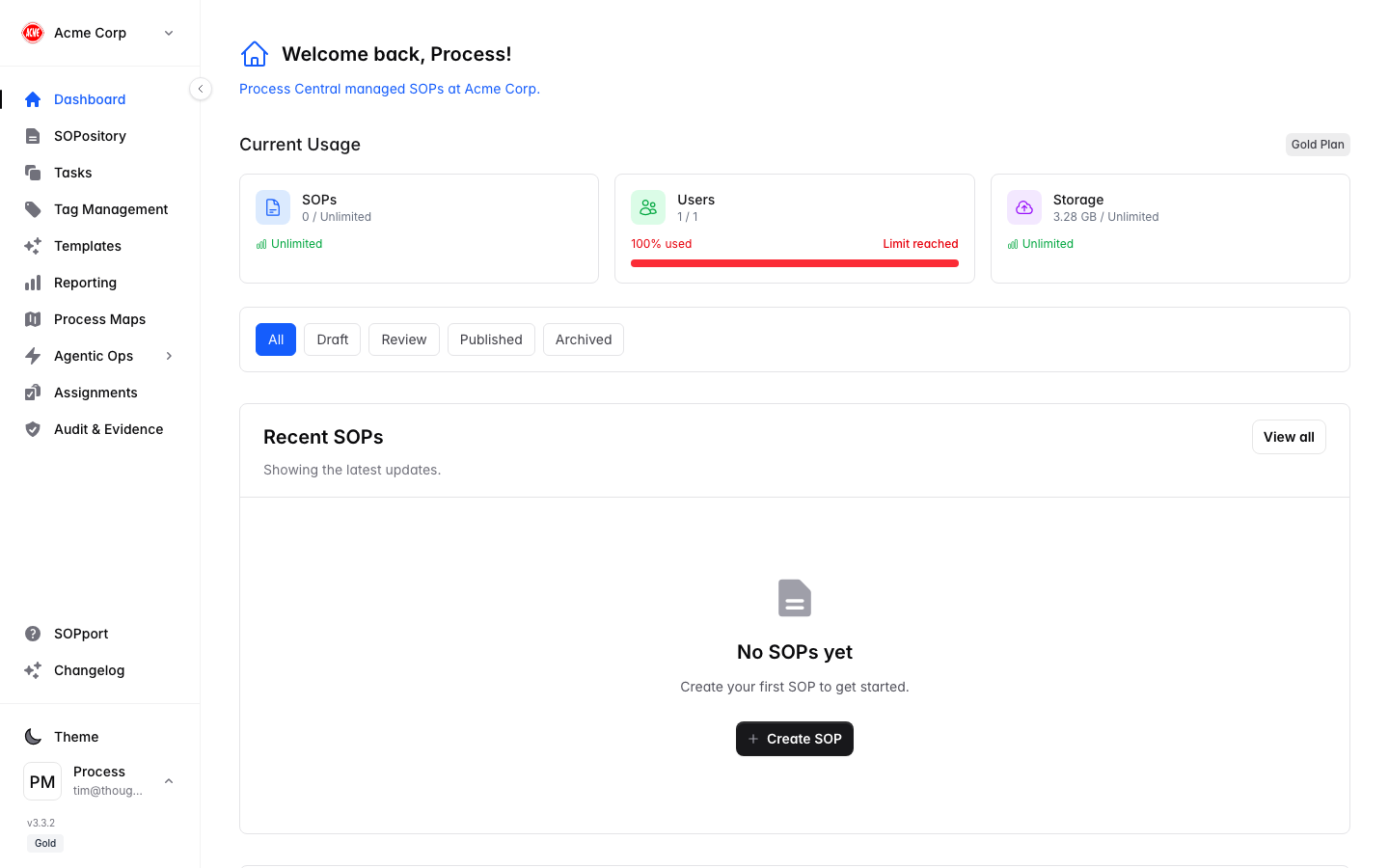
Current usage
Live counts for SOPs, Users and Storage against your plan limits — so you always know where you stand.
Recent SOPs
The most recently updated procedures, with their status (Draft, Review, Published, Archived). Select any to open it.
Common next steps
Browse the SOPository
Find and open any procedure.
Create an SOP
Document a new procedure step by step.
Work your tasks
See what’s assigned to you.
Check reporting
Review performance and completion.