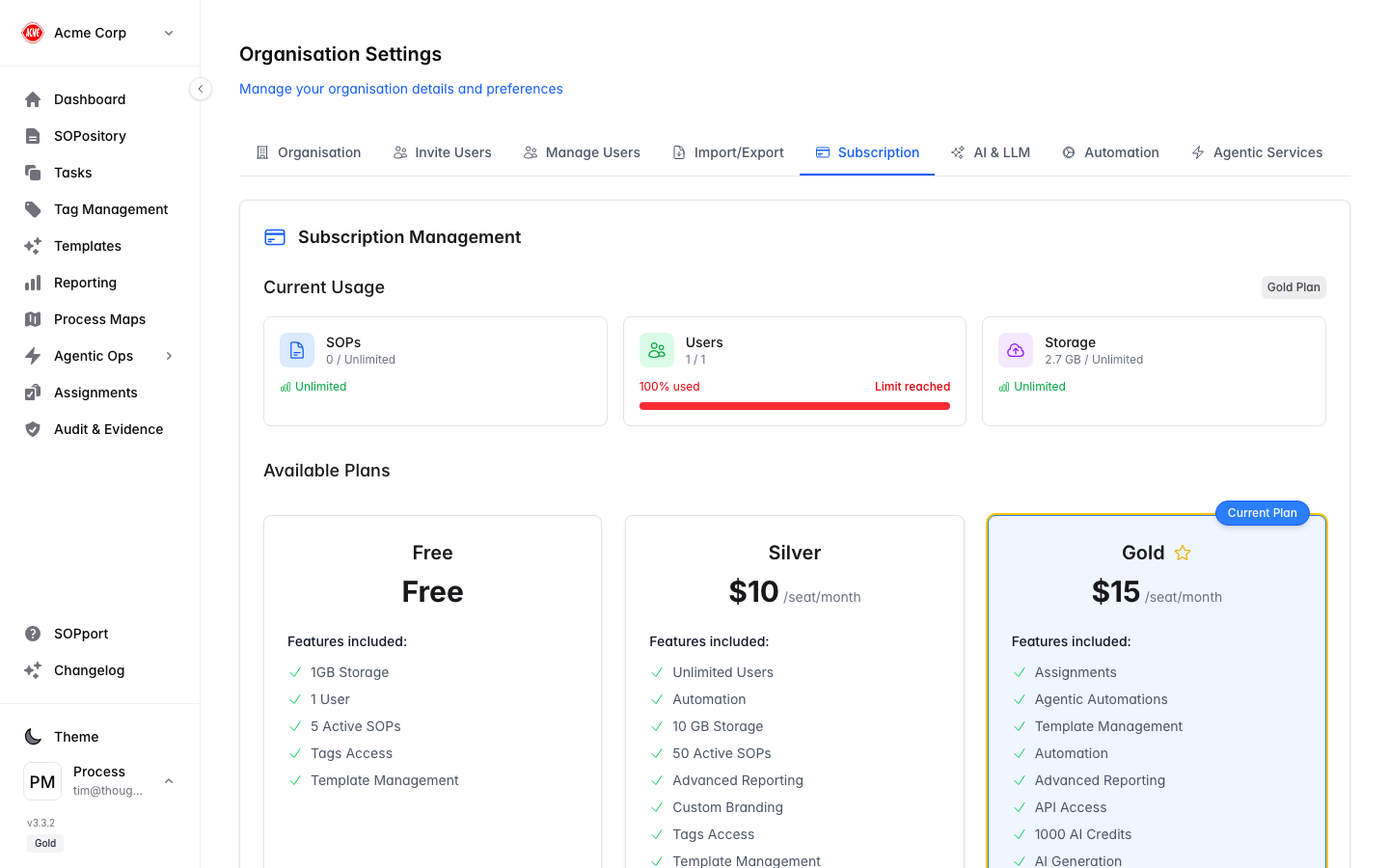
The Subscription tab in Organisation Settings is where owners and admins manage the plan, start trials and access billing.
Manage your plan
Open Subscription
In Organisation Settings, select the Subscription tab.
Review your current plan
See your tier, what’s included, and any active trial and its remaining days.
Upgrade or start a trial
Move to a higher tier, or start a trial to unlock features like Templates, Process Maps and Agentic Ops.
Open the billing portal
Manage payment details and invoices through the secure billing portal.
Only administrators and owners can change the subscription or start trials. Billing is handled securely through Stripe.
Plans and limits
Your plan governs the number of users and SOPs, storage, and which features are available. Track your usage against these limits on the Dashboard.