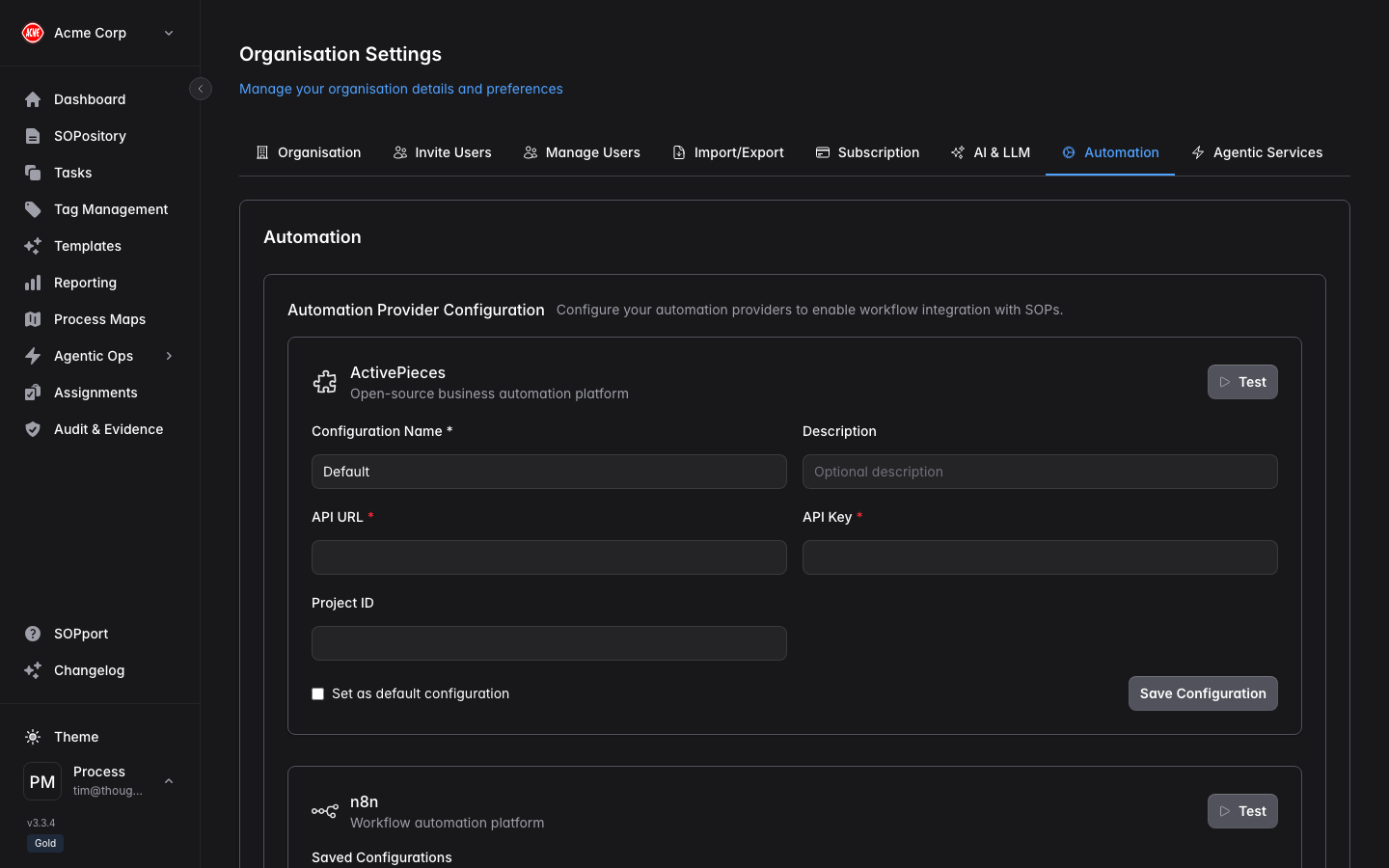
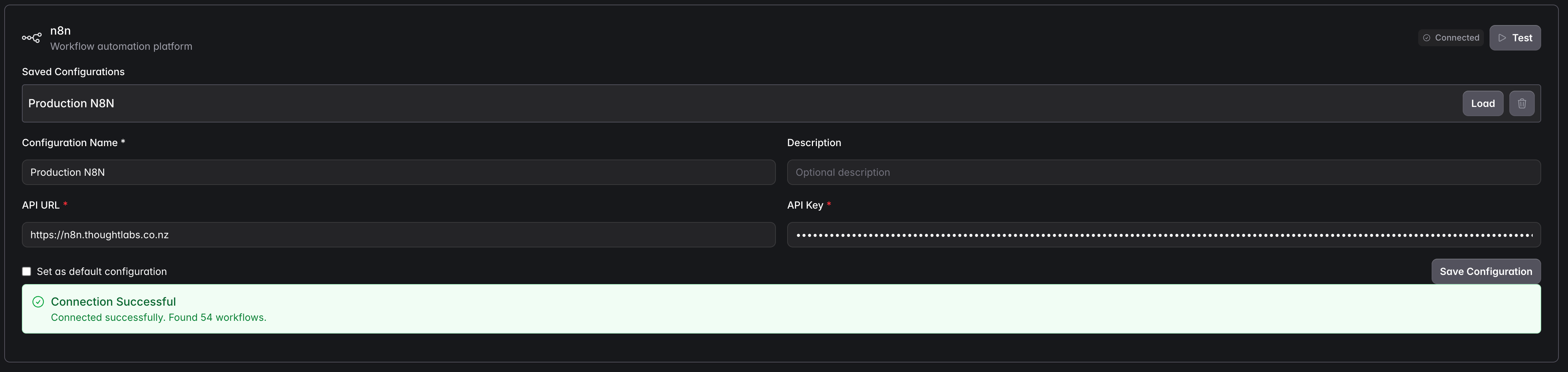
The Automation tab in Organisation Settings is where you connect the automation platforms your SOPs trigger — such as n8n, ActivePieces and Rundeck. Once connected, a step can fire a workflow and the response is recorded against the execution.
Connect a provider
Open the Automation tab
Organisation switcher → Organisation Settings → Automation.
Choose your platform
Select the automation platform you run (e.g. n8n).
Enter the connection details
Provide the endpoint URL and API key/credentials for your instance.
Test and save
Use Test to confirm connectivity, then save the configuration.
How it’s used during execution
When an SOP (or step) with an automation rule runs, Process Central triggers the linked workflow and records the outcome. The response appears under the step’s Expected Result during execution, and in Audit & Evidence afterwards.
Automation is a plan-dependent capability. If you don’t see the Automation tab, check your subscription tier.