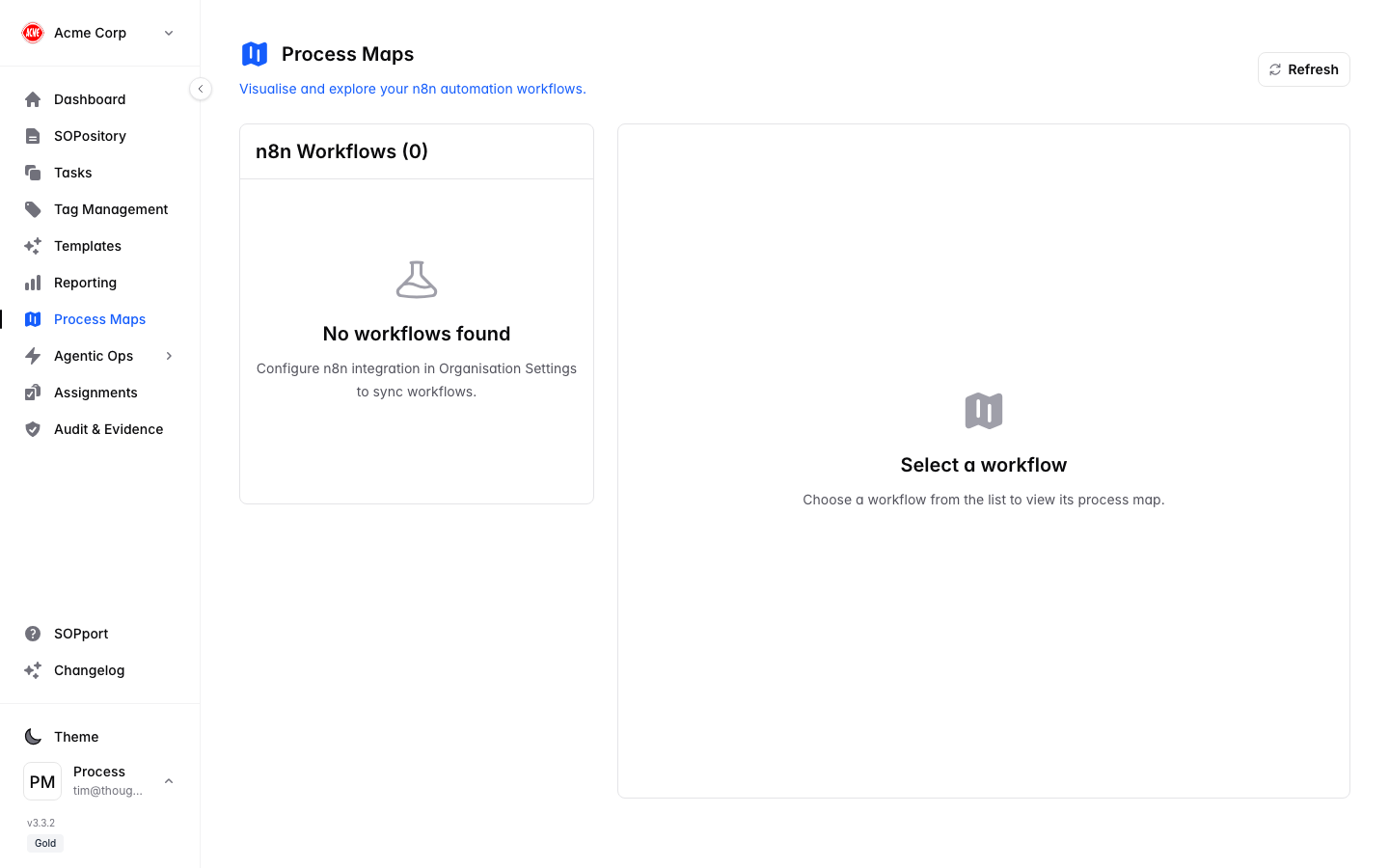
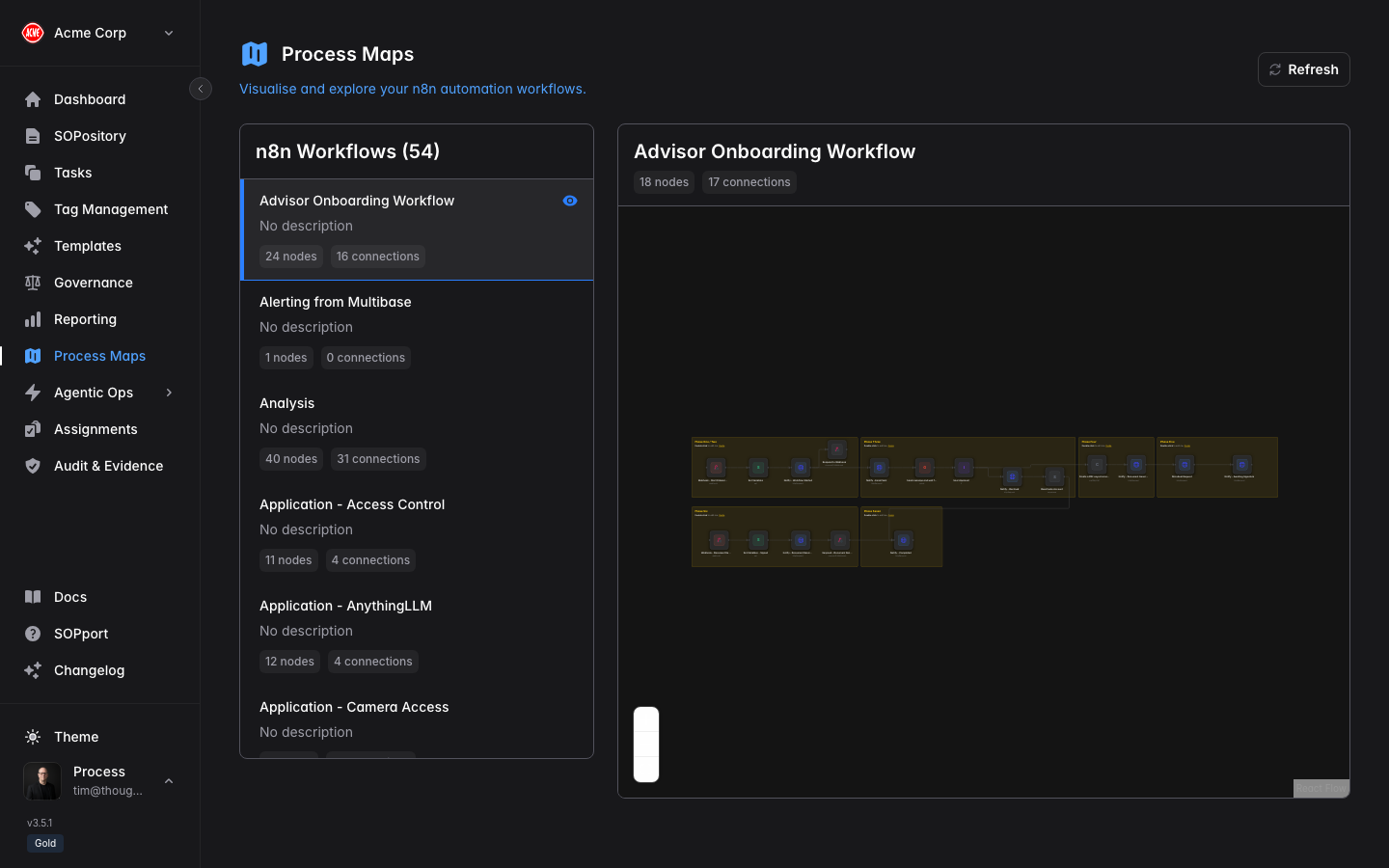
Process Maps are part of the automation capability and are available on selected plans. If you don’t see Process Maps in the sidebar, check your subscription tier.
Work with process maps
Open Process Maps
Select Process Maps in the sidebar.
Explore the map
See how SOPs, tasks and automation link together across a process.
Open a workflow
Select a workflow from the list to render its diagram on the canvas.
Follow the flow
Trace where a process starts, which steps are manual, and where automation or AI agents take over.
Mapping manual and automated steps together makes hand-offs obvious — and shows exactly where evidence needs to be captured.