

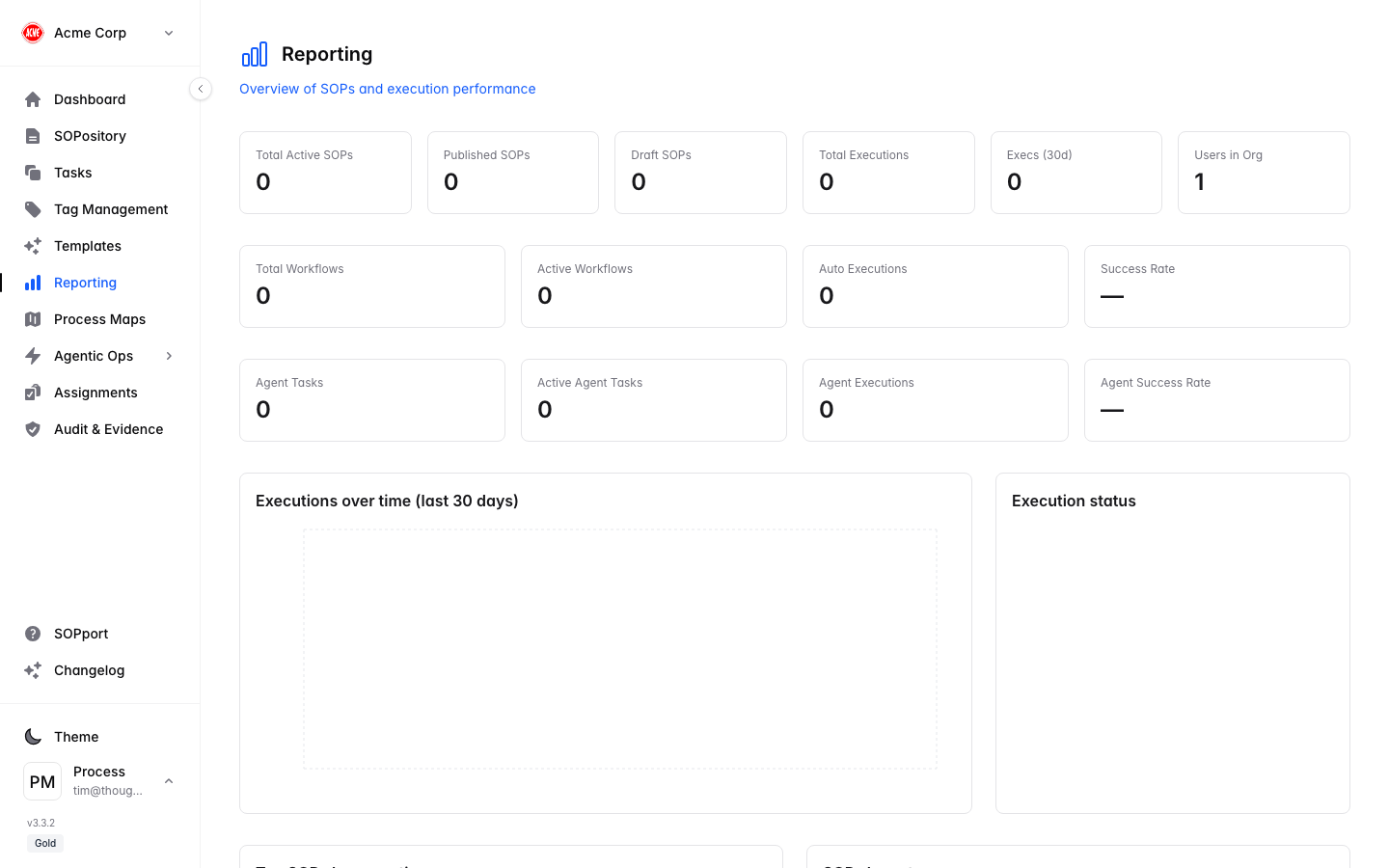
Reporting turns your SOP executions and tasks into insight — so you can see what’s working, spot patterns, and identify where your team needs support.
Process Central reporting

What reporting shows

1

Open Reporting

Select Reporting in the sidebar.
2

Review performance

See completion rates, activity and trends across your SOPs and tasks.
3

Spot patterns

Identify strengths and areas that need attention — for example procedures that are frequently missed or delayed.

Use reporting to improve

  • Recognise teams and individuals who consistently follow procedures.
  • Find bottlenecks and refine SOPs that are hard to complete.
  • Demonstrate performance and accountability to stakeholders.
For formal, audit-grade evidence that specific SOPs were executed — including who, when and the outcome — administrators can use Audit & Evidence.