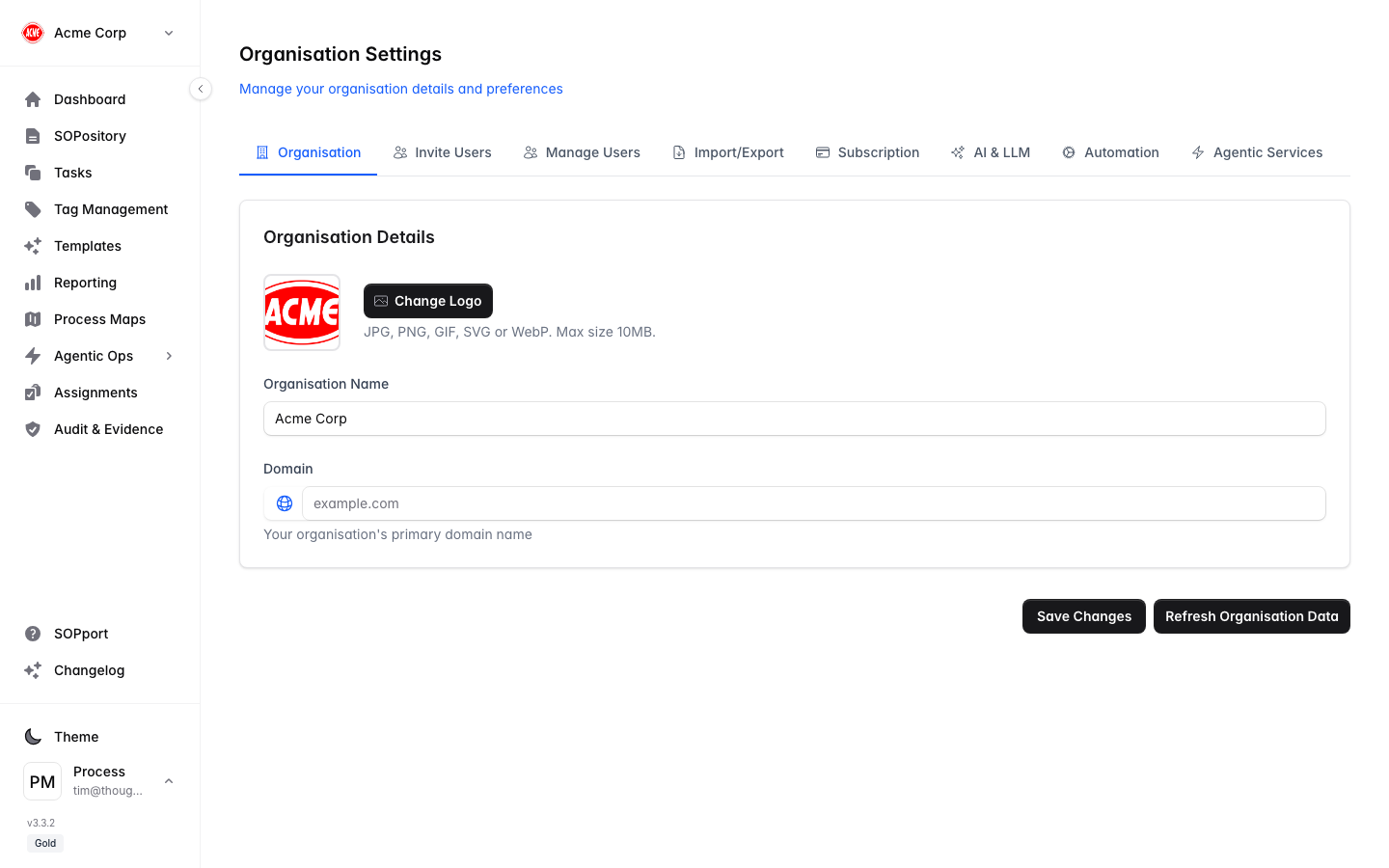
The Organisation tab in Organisation Settings holds your core organisation details and branding.
Open organisation settings
Open the organisation switcher
Select your organisation name at the top of the sidebar.
Choose Organisation Settings
This opens the settings with the Organisation tab selected.
Edit your details
Update the basics
Set your organisation name and domain.
Add branding
Upload your logo — it appears in the sidebar and on your organisation’s SOP exports.
Save
Your branding applies across the app for everyone in the organisation.
A recognisable logo and consistent name help your team trust that they’re in the right workspace — especially when people belong to more than one organisation.