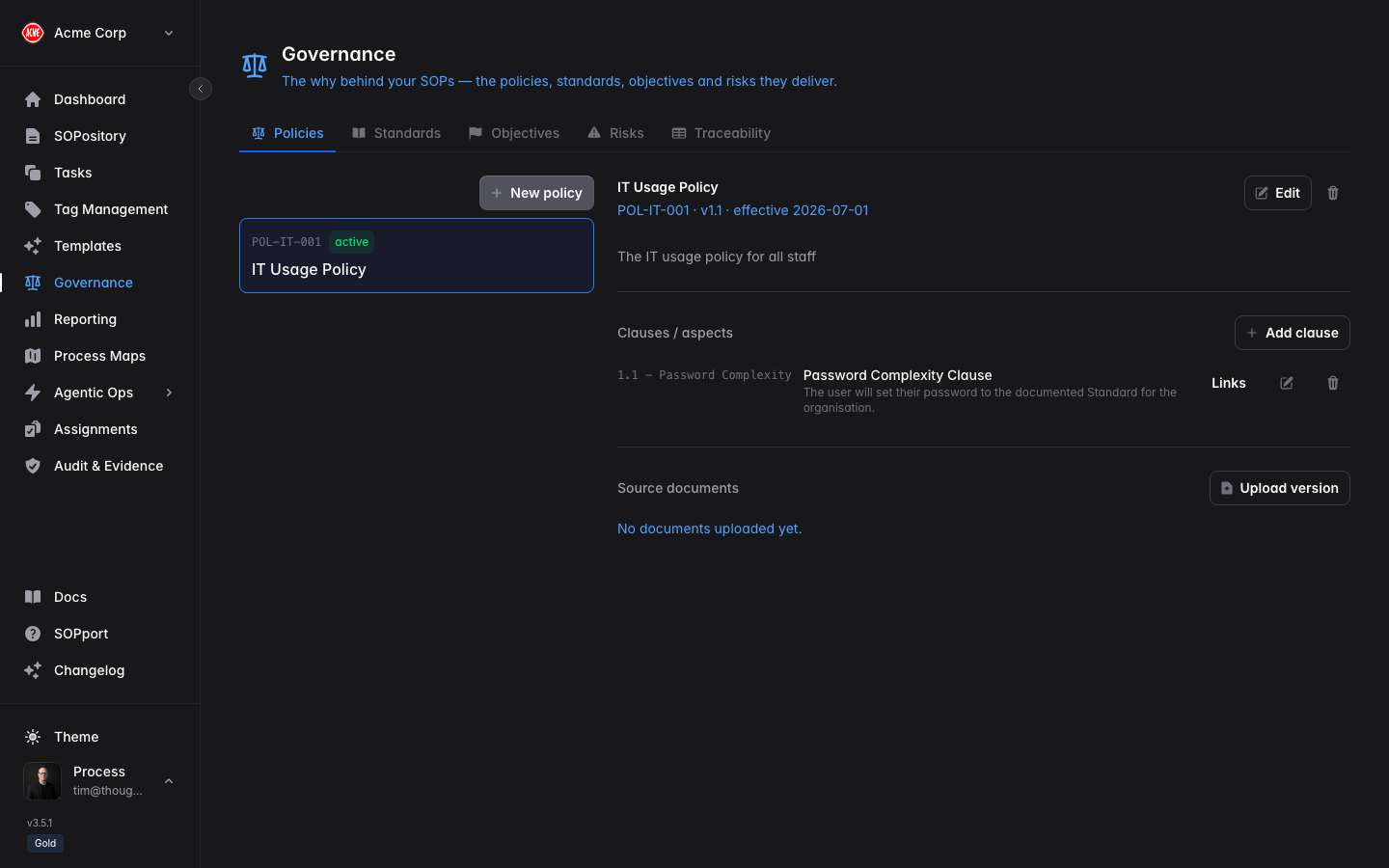
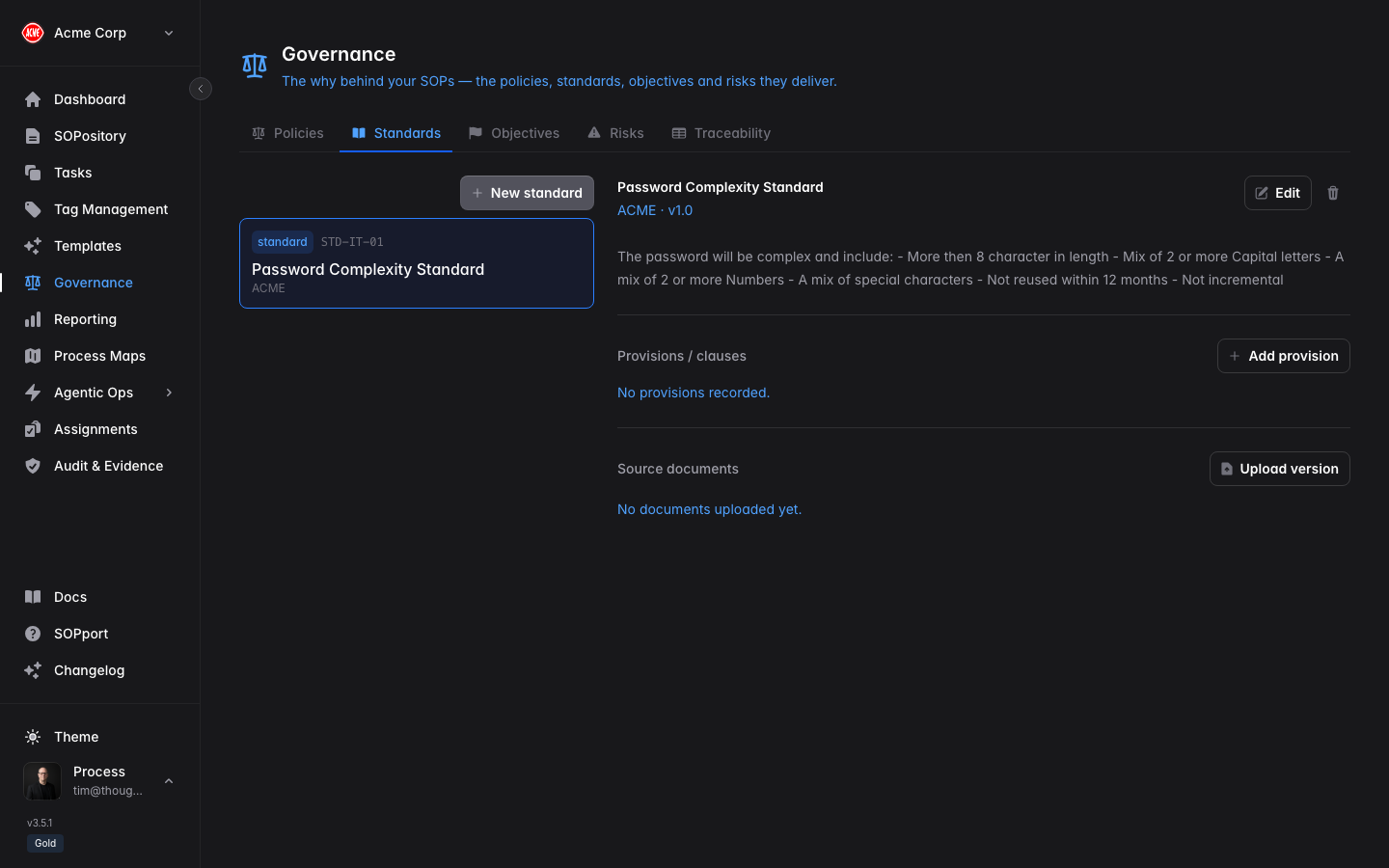
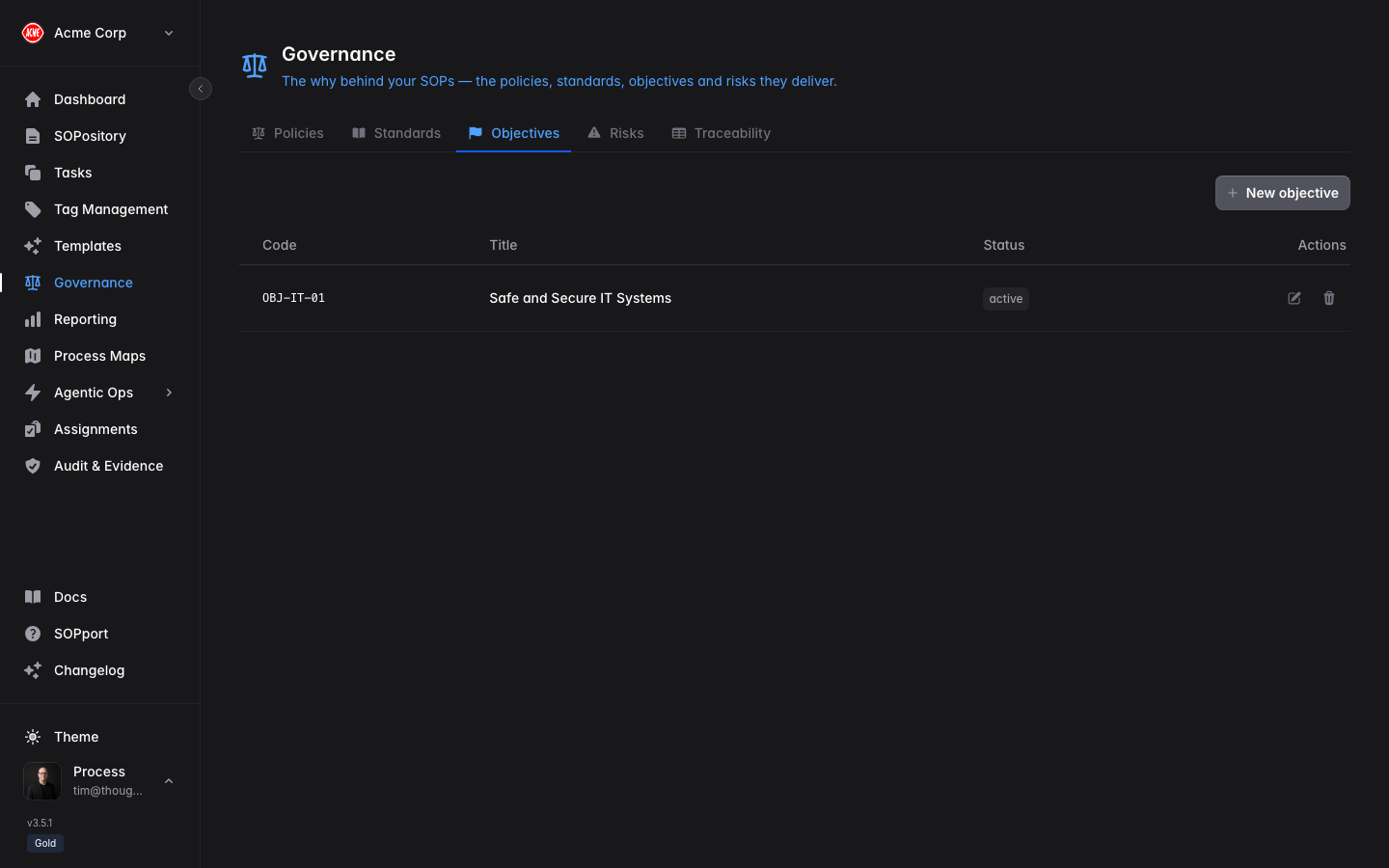
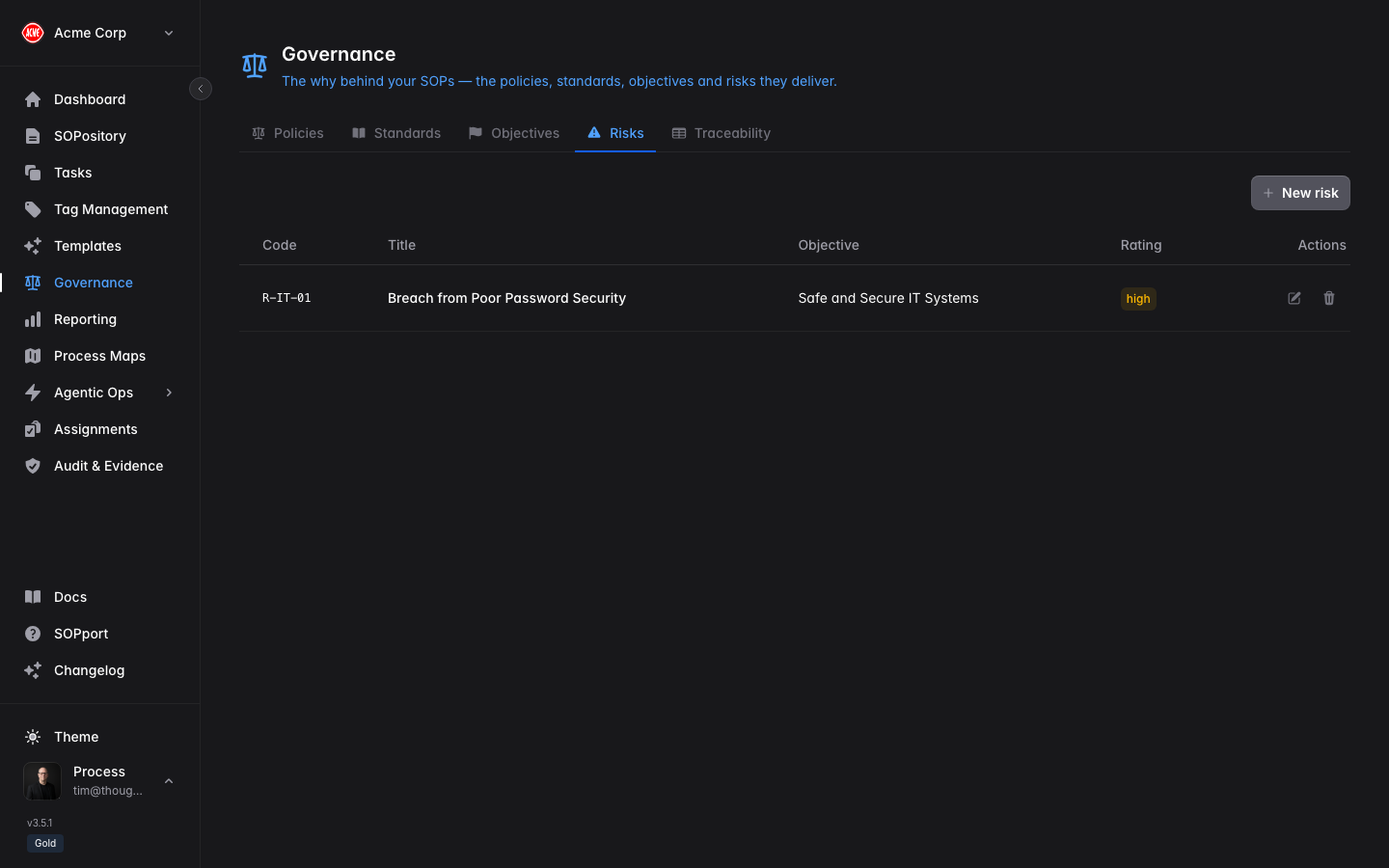
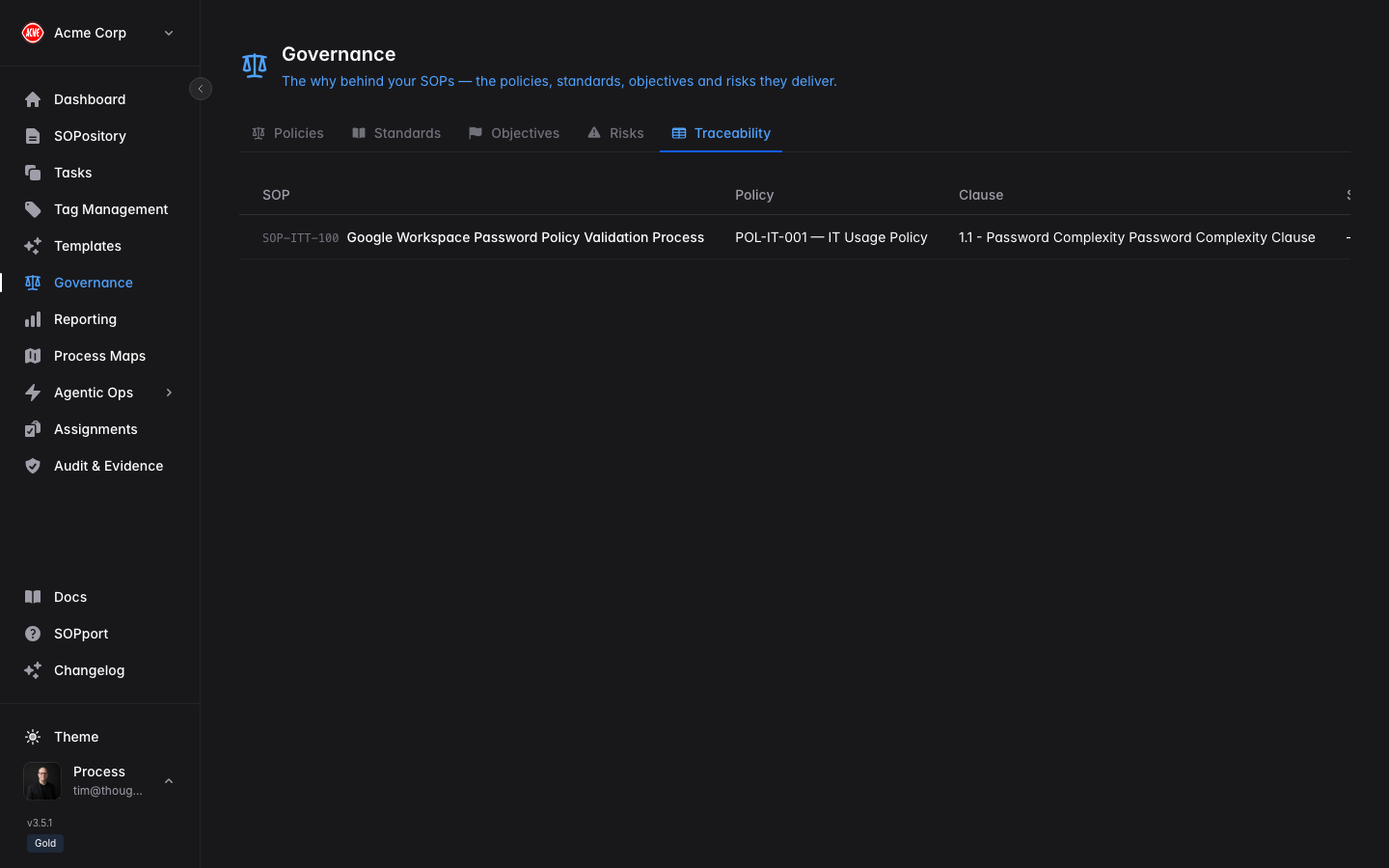
Governance is your organisation’s registry of the controls SOPs exist to satisfy — Policies, Standards, Objectives and Risks — with a Traceability view showing how they connect to your SOPs.
This is “The Why” behind your procedures: instead of an SOP standing alone, it’s linked to the policy it implements, the standard it satisfies, the objective it supports, or the risk it mitigates.
Governance is a plan-dependent feature. If you can’t see it in the sidebar, check your subscription tier or ask your administrator.
The registry tabs
Policies
Standards
Objectives
Risks
Traceability
High-level organisational policies, broken down into individual clauses that SOPs can link against. External or internal standards — such as ISO 9001, ISO 27001 or HACCP — broken down into individual provisions. The organisational objectives your procedures are designed to support. Risks your SOPs exist to control or mitigate. A matrix view showing every link between your governance items and the SOPs that deliver against them — at a glance, evidence of coverage (and any gaps). Manage governance items
Open Governance
Select Governance in the sidebar.
Choose a tab
Pick Policies, Standards, Objectives or Risks.
Add or edit an item
Create policies and standards with their clauses/provisions, or add objectives and risks directly.
Creating and editing governance items is restricted to administrators and owners. Everyone can view the registry and see which SOPs link to which controls.
Link an SOP to governance
Governance links are set from the SOP itself, in The Why section of the SOP editor:
Open the SOP editor
Create a new SOP or edit an existing one.
Go to The Why
Select the governance section of the editor.
Link controls
Choose the policies, standards, objectives or risks this SOP delivers against.
Save
The link appears immediately in the Governance Traceability tab.
Use the Traceability tab to spot policies or risks with no linked SOP — that’s a governance gap worth documenting a procedure for.