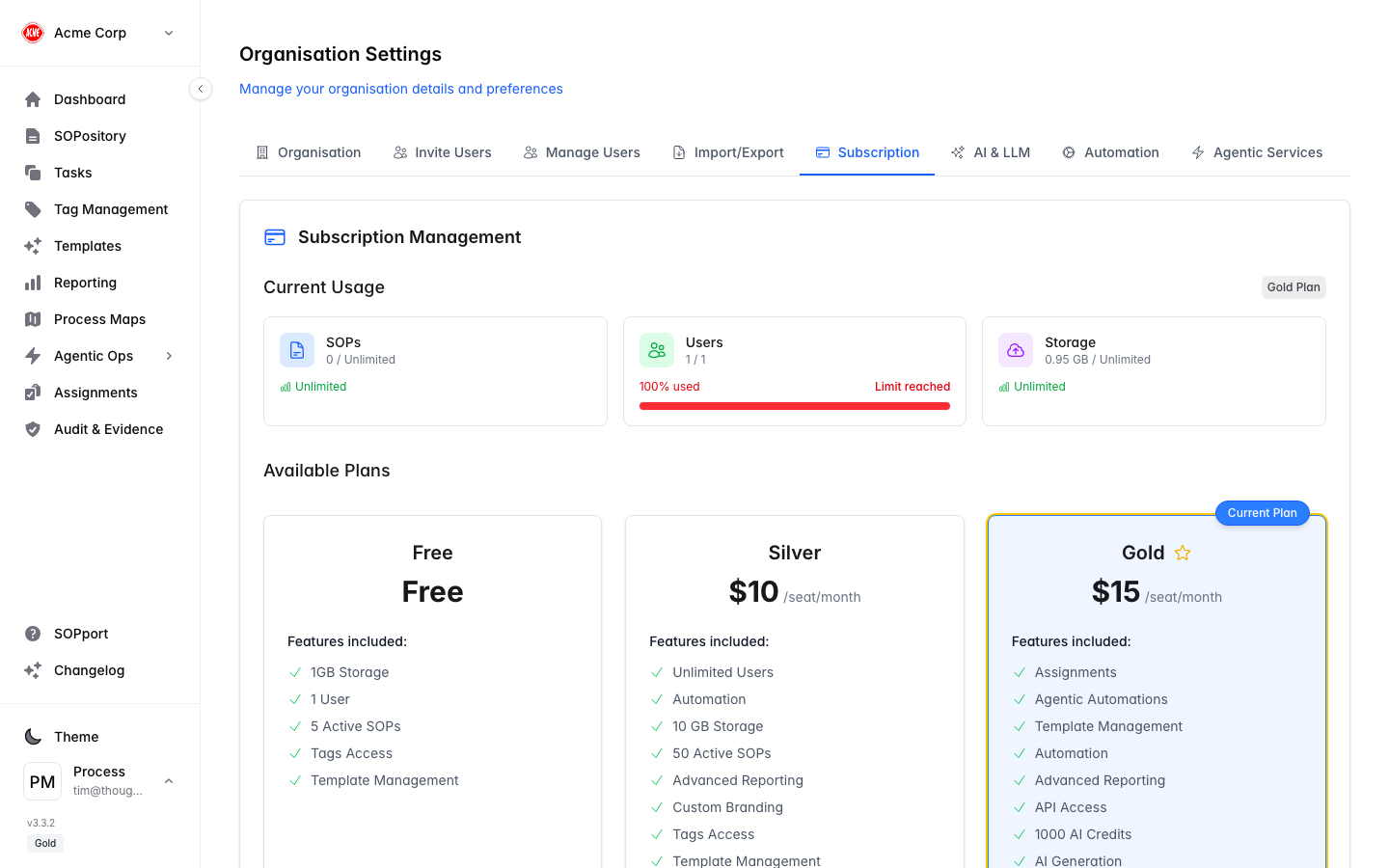
The AI & LLM tab in Organisation Settings is where administrators configure the AI capabilities your organisation uses.
Add a provider
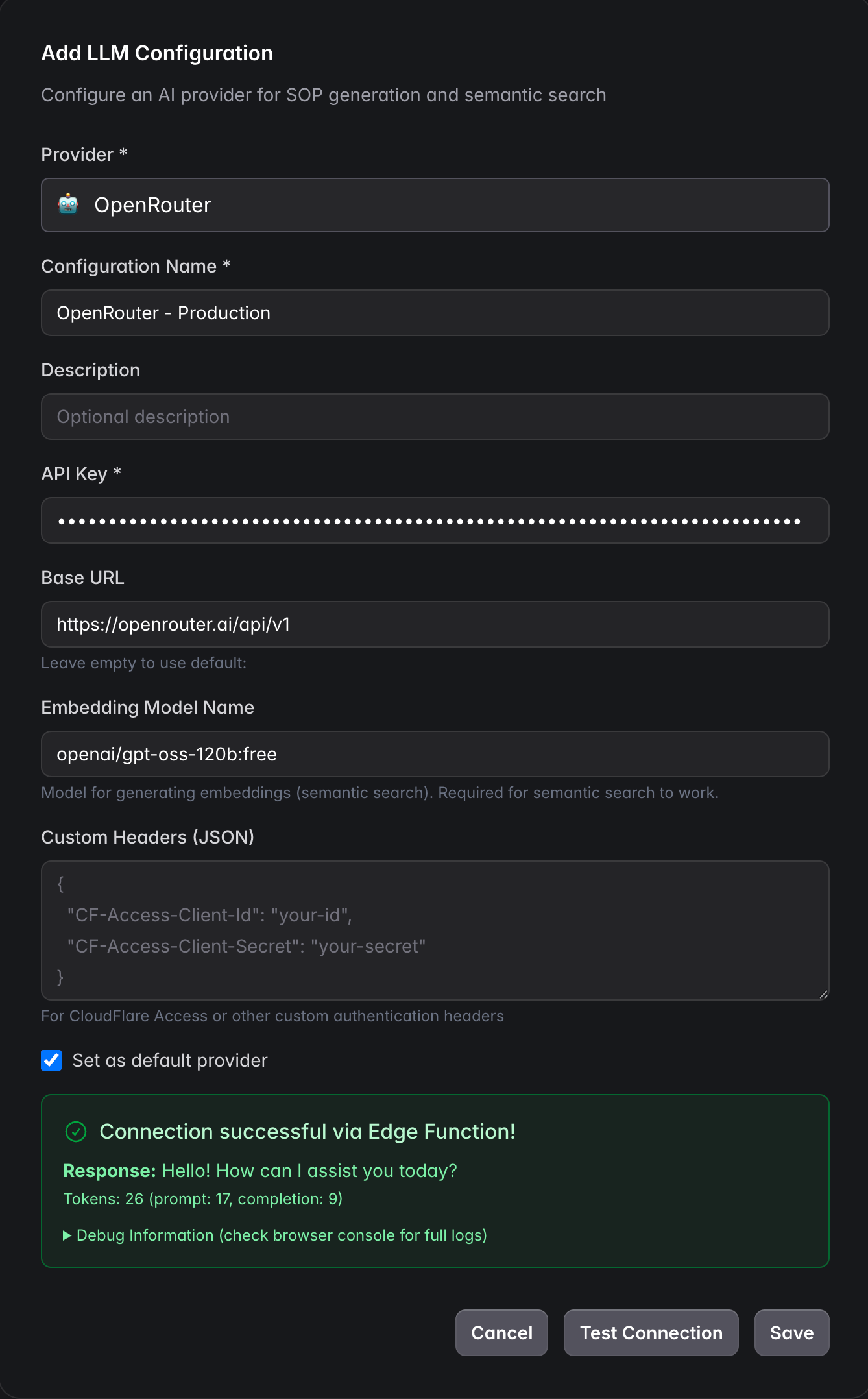
Select Add on the AI & LLM tab to open the configuration form.
Choose a Provider
e.g. OpenRouter, OpenAI, Ollama or a custom provider.
Name the configuration
A recognisable name such as “OpenRouter - Production”.
Enter the API Key
The credential for the provider.
Set the Base URL (optional)
Leave empty to use the provider’s default, or point at your own endpoint.
Set the Embedding Model Name
Used for semantic search — see the dimension note below.
Custom Headers (optional)
JSON headers for CloudFlare Access or other custom authentication.
Test Connection, then Save
Confirm it responds via the Edge Function, tick Set as default provider if appropriate, and save.
The embedding model must produce 1536 dimensions (e.g. text-embedding-3-small). Larger models such as text-embedding-3-large (3072) are automatically reduced to 1536 to match the search index.
AI features and available providers may depend on your subscription tier.