

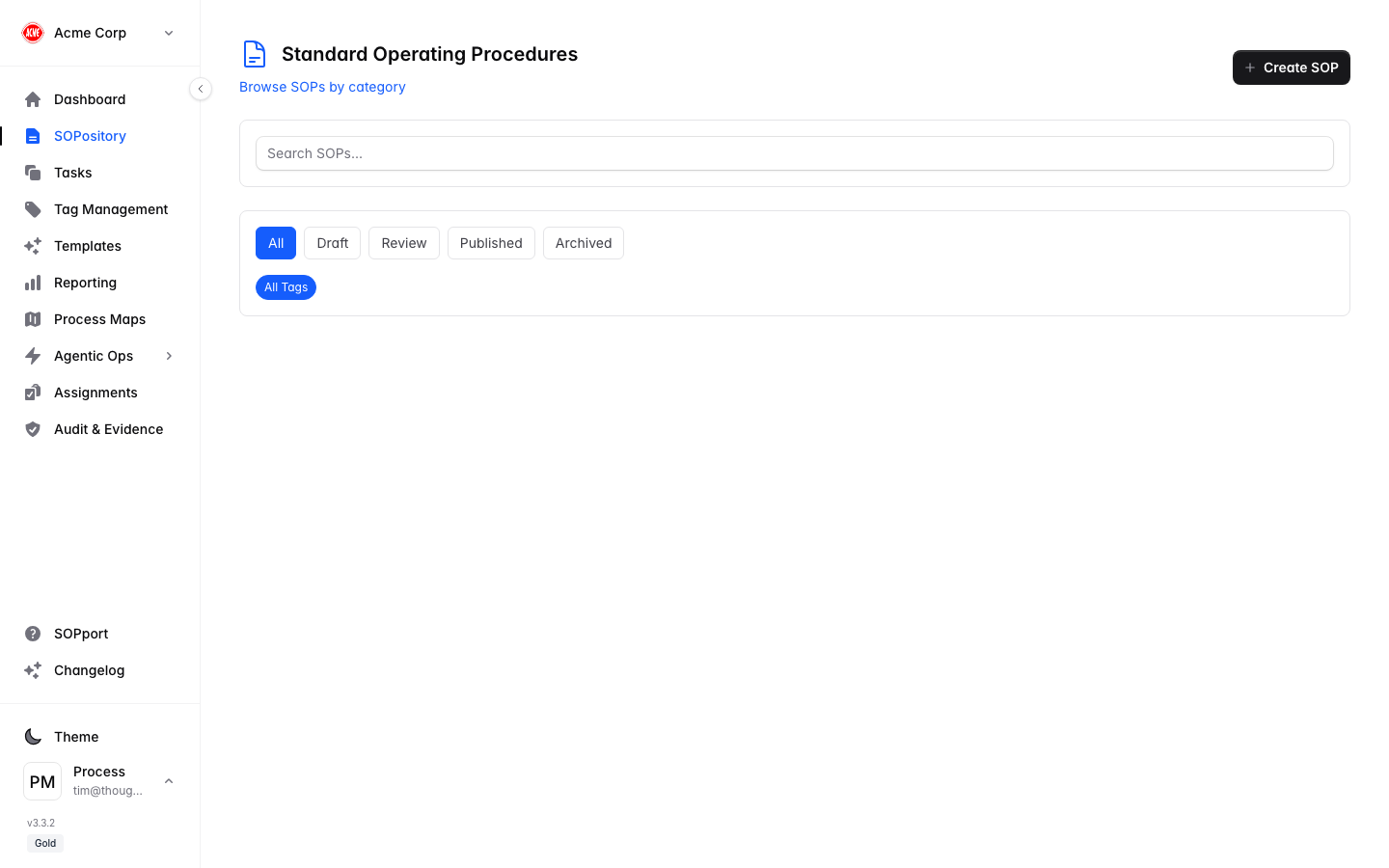
Find an SOP
Search or filter
Use the search box to find an SOP by title, or filter by status (Draft, Review, Published, Archived) and tags.
Understanding SOP status
| Status | Meaning |
|---|---|
| Draft | Being written — not yet ready for use. |
| Review | Awaiting approval before publishing. |
| Published | Live and available for execution. |
| Archived | Retired, kept for the record. |
Browse by category
The SOPository groups procedures into category cards. Select a card — for example Operations — to drill into just that category’s SOPs.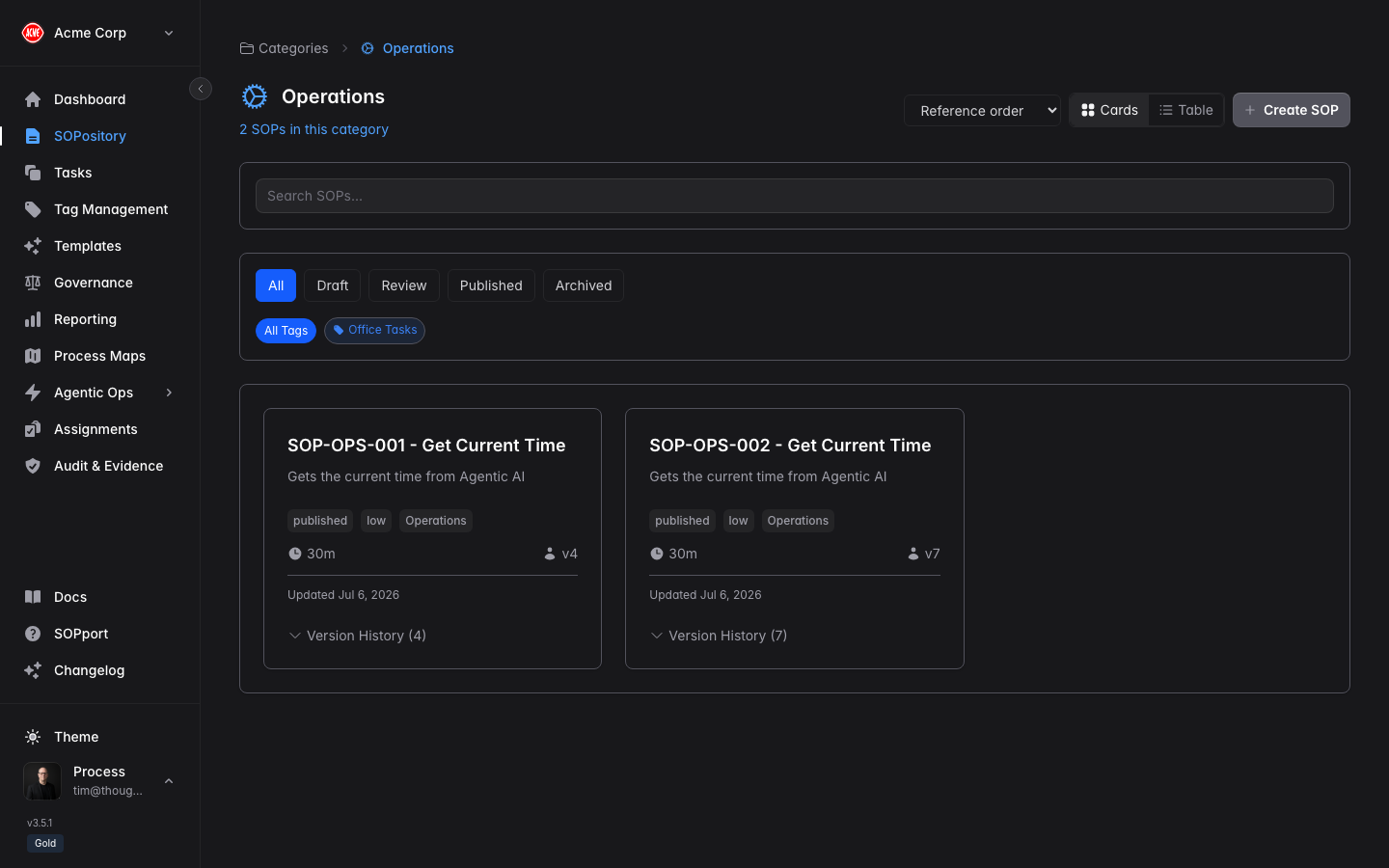
What you can do here
Create a new SOP
Select + New SOP to start documenting.
View & execute
Open an SOP to read or run it step by step.
Organise with tags
Keep the library easy to navigate.
Start from a template
Speed things up with a ready-made structure.
Your plan sets how many SOPs your organisation can have. You’ll see your current count against the limit on the Dashboard.